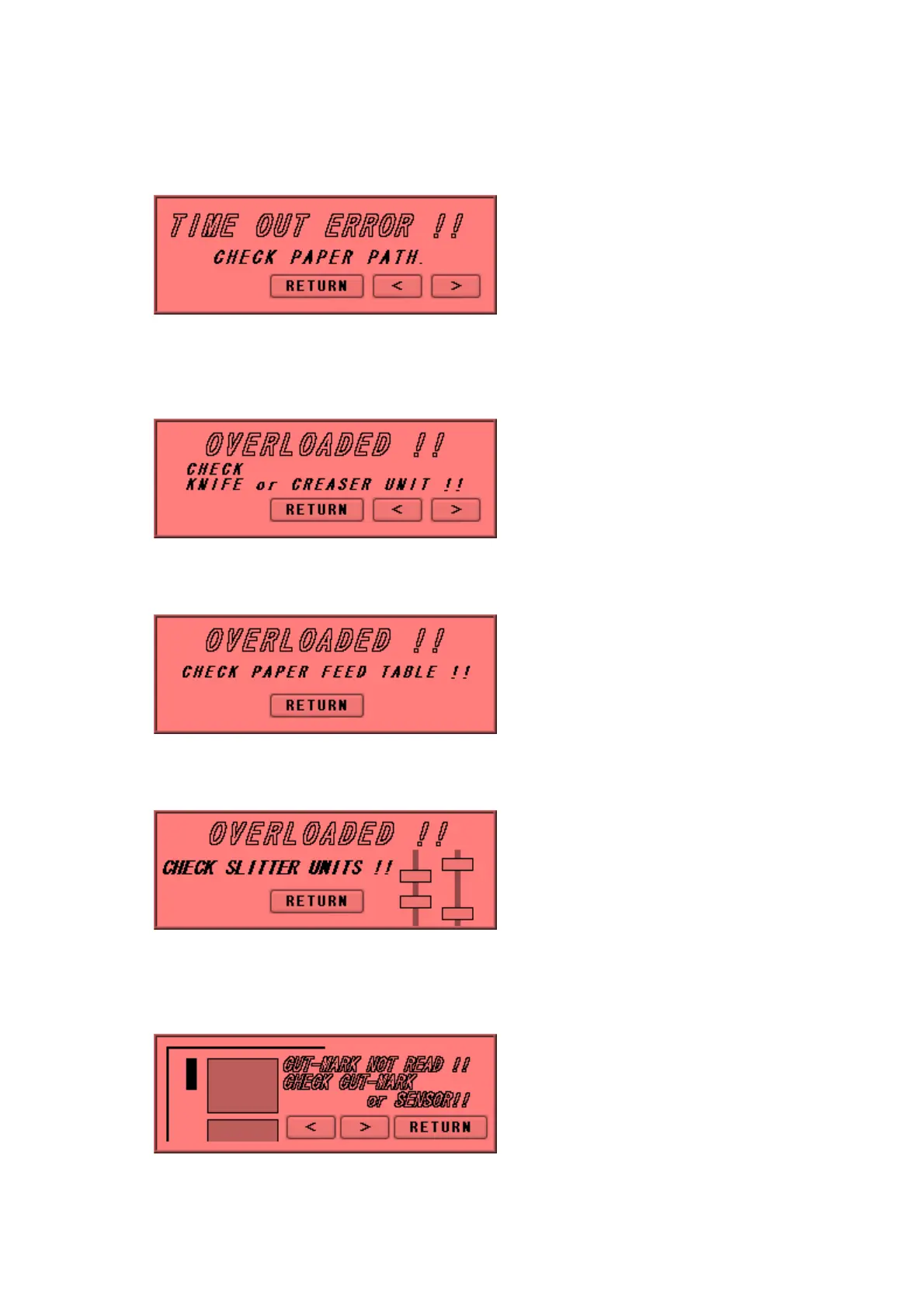
⑯ Timeout error 2
Paper did not pass through within a set time period. Remove the paper remaining inside
the machine.
⑰ Overload error 1
Cutting or creasing did not complete within a set time period. Remove the paper
remaining inside the machine.
⑱ Overload error 2
An overloading error occurred at the feed table. Check the feed table.
⑲ Overload error 3
An overloading error occurred at the slitter. Check the blinking slitter.
⑳ Cut mark detection error
Cut mark was unable to be detected. Check the cut mark. Eject the paper inside the
machine.
32


 To Next Page