1. The ASSIST And 9-1-1 Buttons On Your Rearview
Mirror
The ASSIST Button is used for contacting Roadside
Assistance, Vehicle Care and Uconnect® Care. The 9-1-1
button connects you directly to emergency services.
2. The Uconnect® “Apps” Button On The Menu Bar At
The Bottom Right Corner Of The In-Vehicle Touch-
screen
This is where you can begin registration for
Uconnect® Access, find the apps and purchase WiFi
Hotspot on demand.
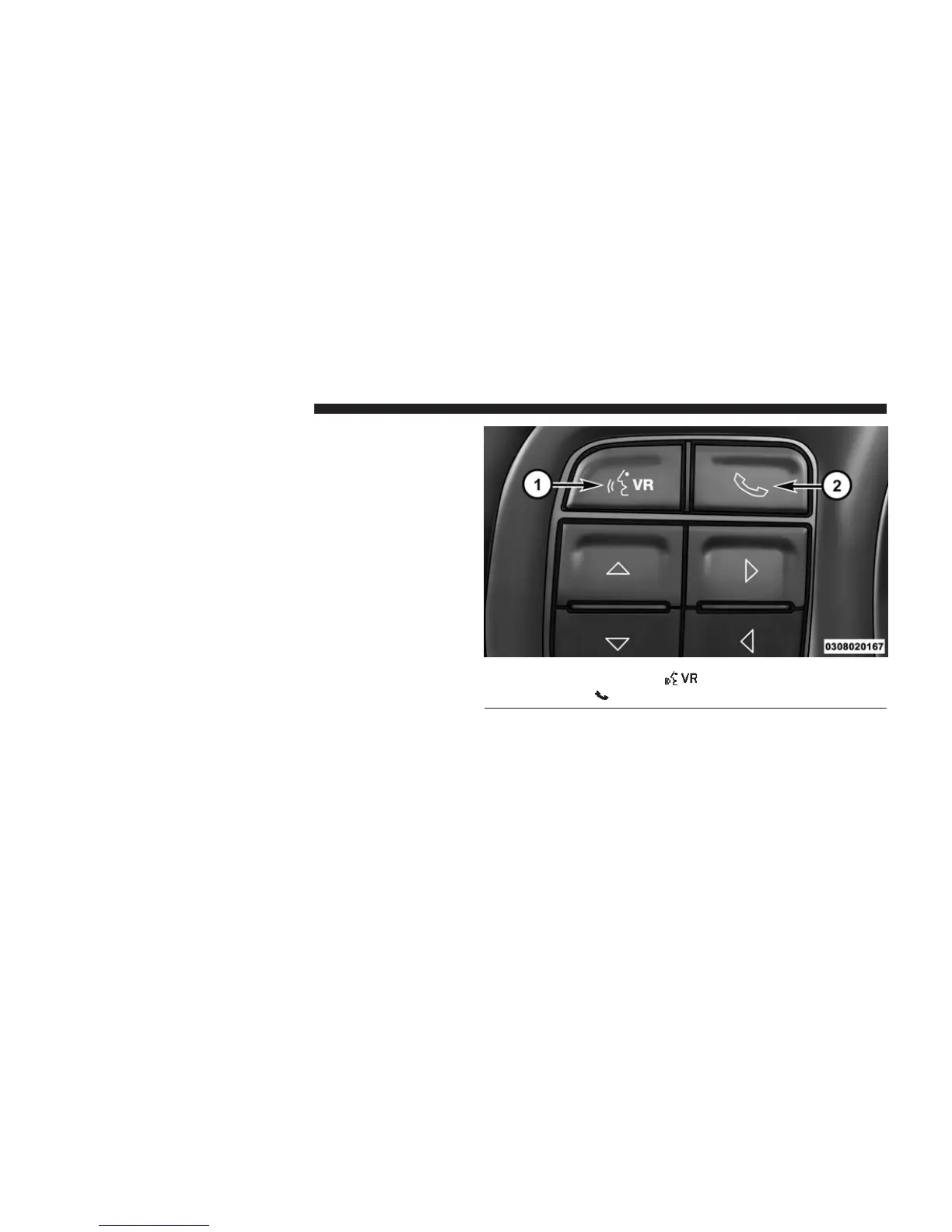
3. The Uconnect® Voice Command And Uconnect®
Phone Buttons On Your Steering Wheel
The buttons let you use your voice to give commands,
make phone calls, send and receive text messages
hands-free, enter navigation destinations and control
your radio and media devices.
1 — Voice Recognition Button
2 — Phone Button
10 ALL ABOUT Uconnect® ACCESS



 To Next Page