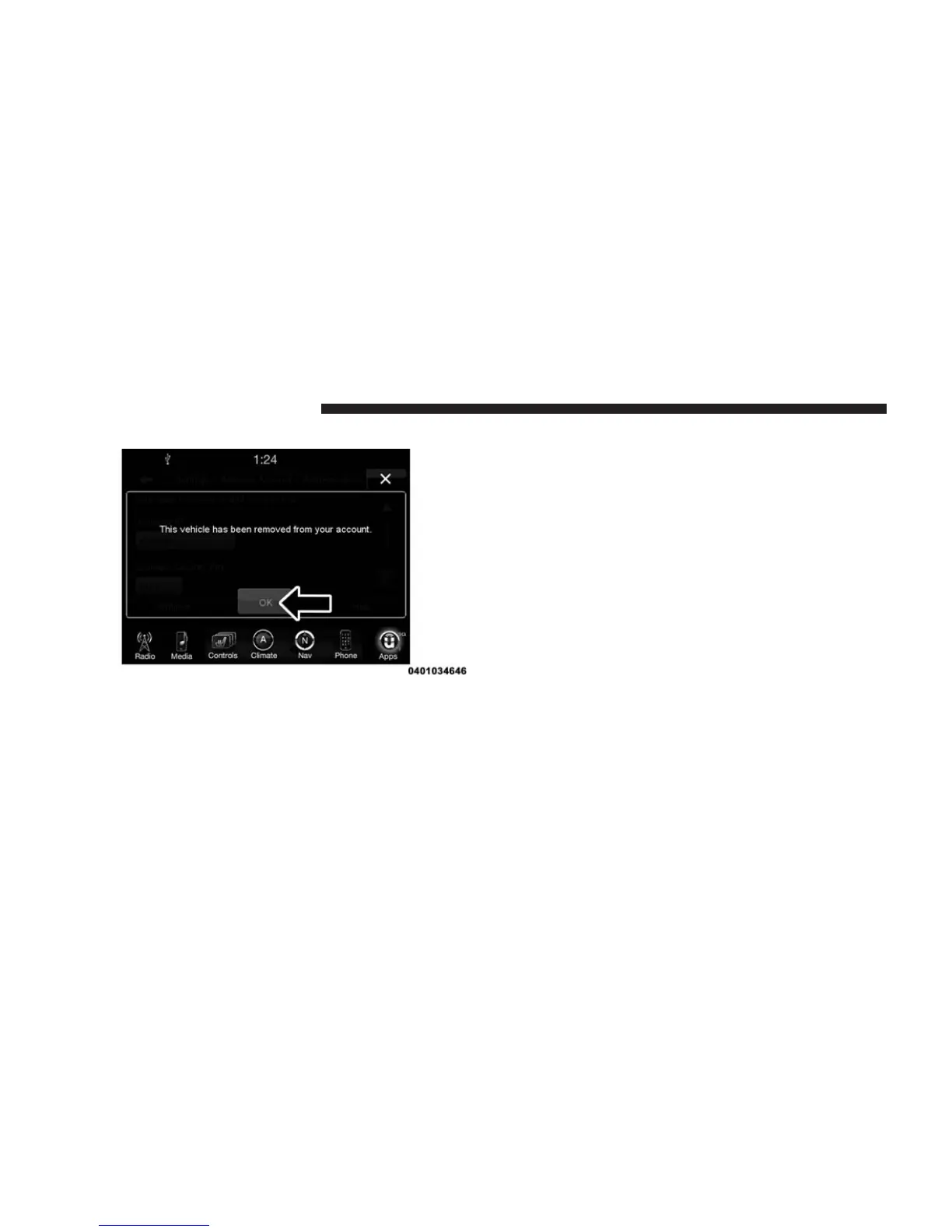
3. Your Apps have been successfully removed.
Adding Vehicles To My Uconnect® Access
Account
You can easily add vehicles to your Uconnect® Access
account online by going to the Mopar Owner Connect
website (
moparownerconnect.com
) > Dashboard > Add
a Vehicle. Connected vehicles must follow the secure
registration process to be added to an account.
Uconnect® CARE & FAQs
For additional information about Uconnect® Access,
push the ASSIST button on the rear view mirror and then
select Uconnect® Care on your in-vehicle touchscreen to
contact Uconnect® Care. Your call will be directed to a
Uconnect® Care agent or held in a queue until an agent
is available. You can also phone Uconnect® Care directly
at 855-792-4241, or go to the Mopar Owner Connect
website (
moparownerconnect.com
).
Uconnect® Care Business Hours:
Central Time
• Monday through Friday – 7:00am to 7:00pm
• Saturday and Sunday – 8:00am to 4:00pm
160 ALL ABOUT Uconnect® ACCESS



 To Next Page