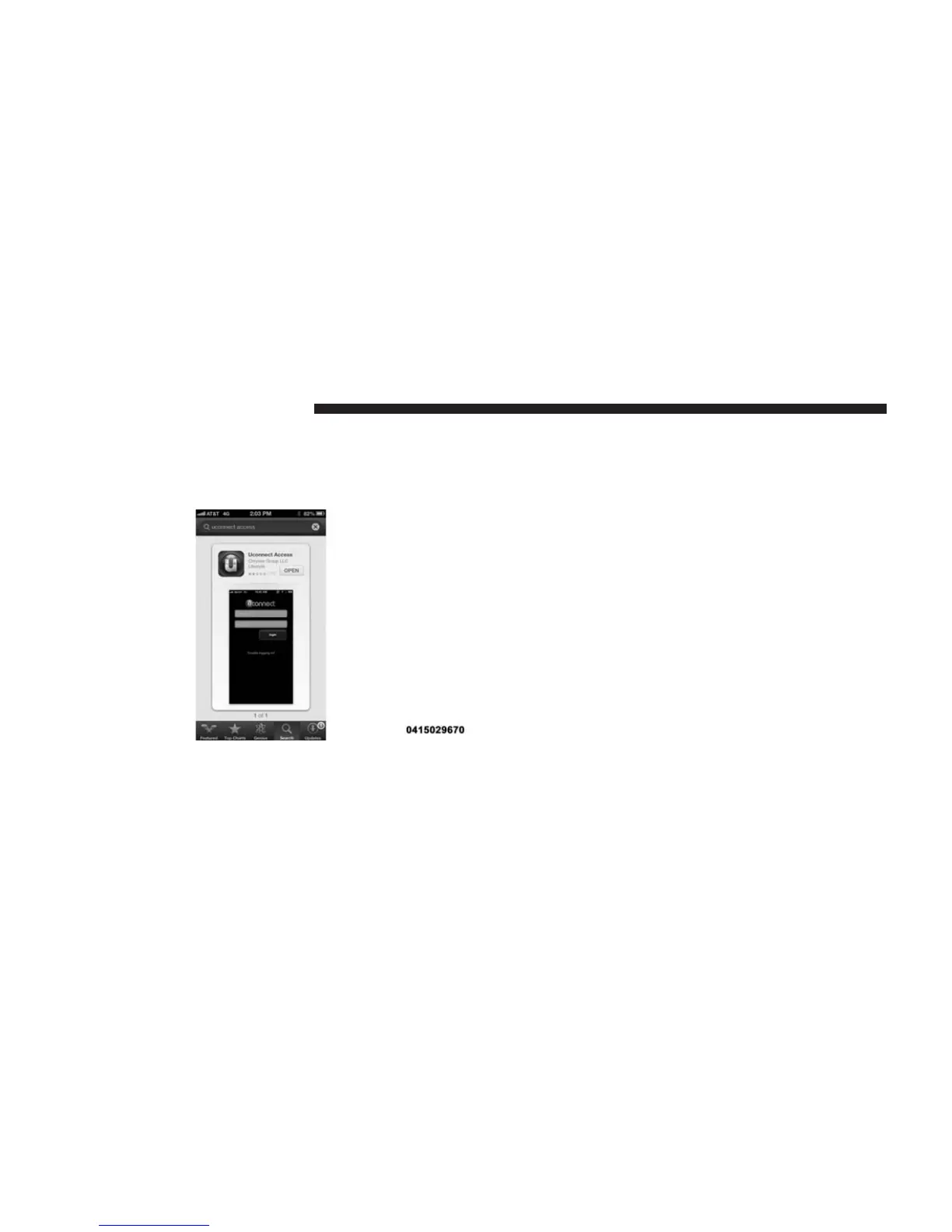
To download the app to your smartphone, go to your
respective app store and search for “Uconnect® Access”
(there is no charge to download and install the app to
your smartphone).
Requirements
• Vehicle must be properly equipped with the
Uconnect® Access System
• Your smartphone must be compatible with the
Uconnect® Access App
• Vehicle must be in range of a usable and authorized
cellular signal
• Your smartphone sending the command must be in
cellular range to send the command
• Vehicle must be registered with Uconnect® Access and
have an active subscription that includes the appli-
cable feature or App
• Owner must have a compatible smartphone and
download the Uconnect® Access App
• The vehicle must be properly equipped with factory-
installed features that enable remote commands. (i.e.
Remote Door Lock/Unlock, Remote Start/Stop and
Remote Horns and Lights)
• Vehicle must be in the 48 contiguous states and Alaska,
where cellular coverage is available
30 ALL ABOUT Uconnect® ACCESS



 To Next Page