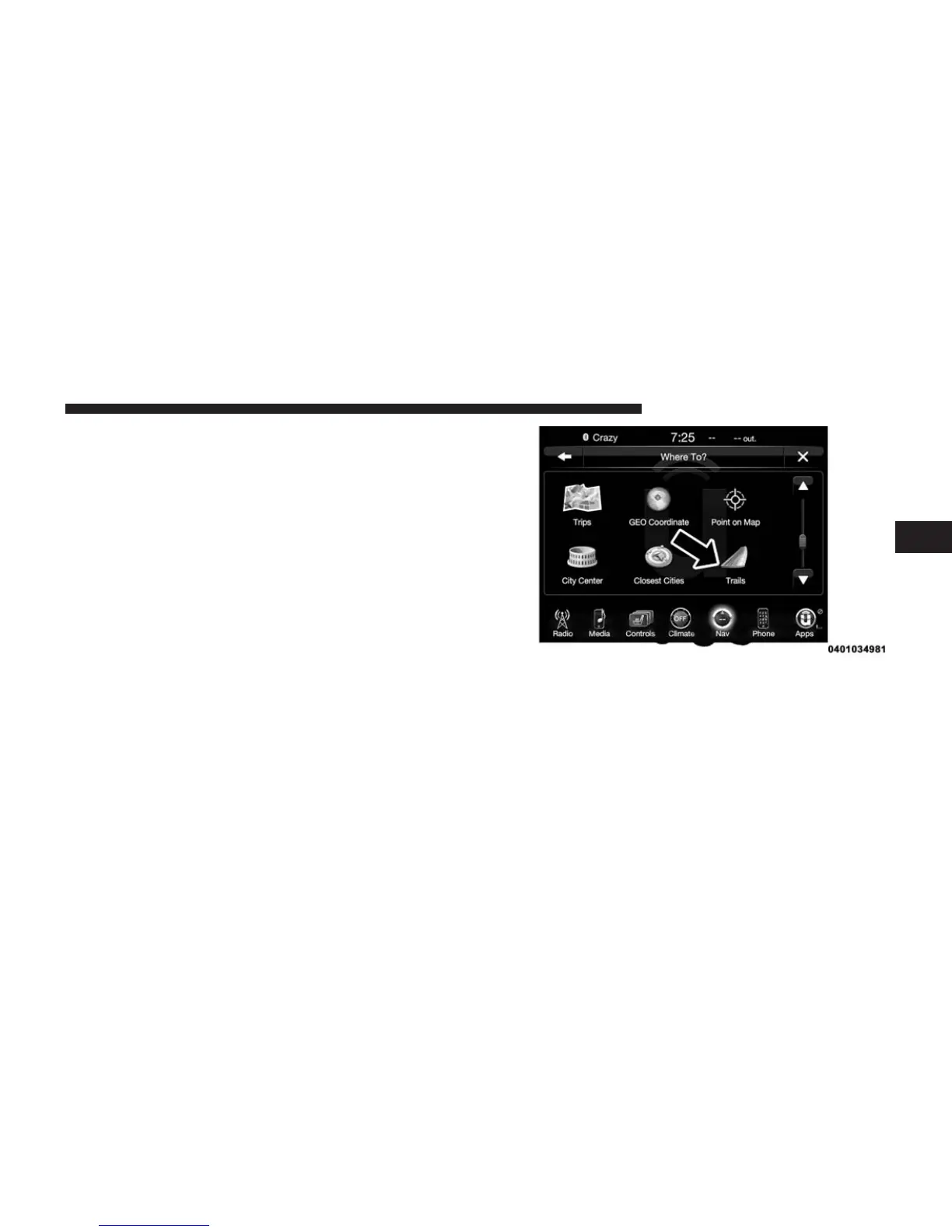
If you are currently on a route guidance and you select a
Closest City, the system will ask you to choose one of the
following:
• Cancel previous route
• Add as first destination
• Add as last destination
NOTE: You can press the “back arrow” button on the
touchscreen to return to the previous screen or the “X”
button on the touchscreen to exit.
Where To? — Trails
When starting to drive a trail you want to record, follow
these steps:
1. While in the Nav Main Menu, press the “Where To?”
button on the touchscreen then press the “Trails”
button on the touchscreen.
2. Press “Start Trail Recording.”
3. When you want to end the recording of a route, press
“Stop Trail Recording.”
The trip you recorded will be added to the Recent Trails
list.
3
Uconnect® 8.4A — If Equipped 259



 To Next Page