Connection Status
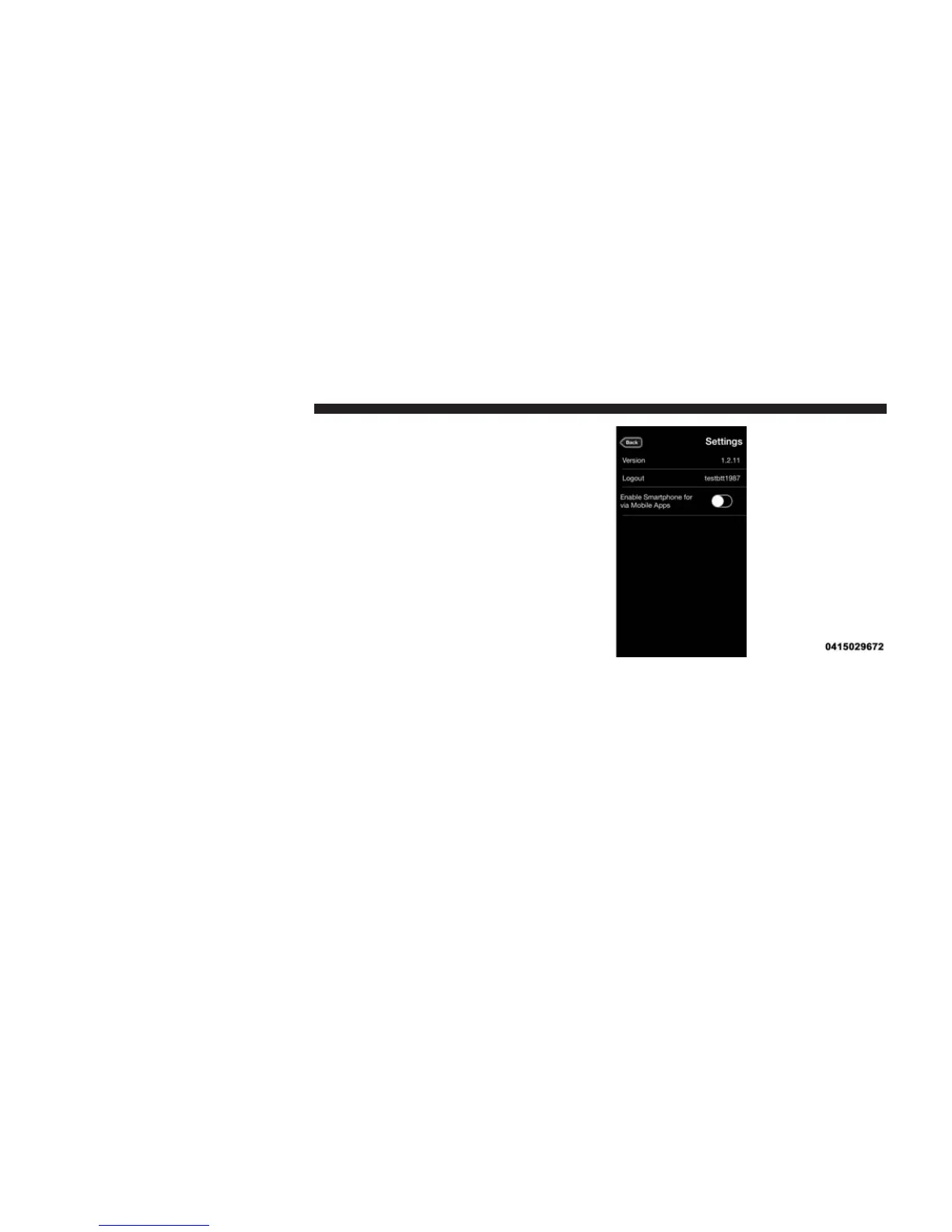
The Via Mobile button provides a status indication of the
smartphone connection for Via Mobile app use. Under
“Settings” in the Uconnect® Access app on your smart-
phone, confirm that Via Mobile data has been turned on.
• Green indicates the data connection is ready
• Blue indicates the data connection is established
• Yellow indicates a Bluetooth connection error
• Red indicates a user account problem or network
connection error
34 ALL ABOUT Uconnect® ACCESS



 To Next Page