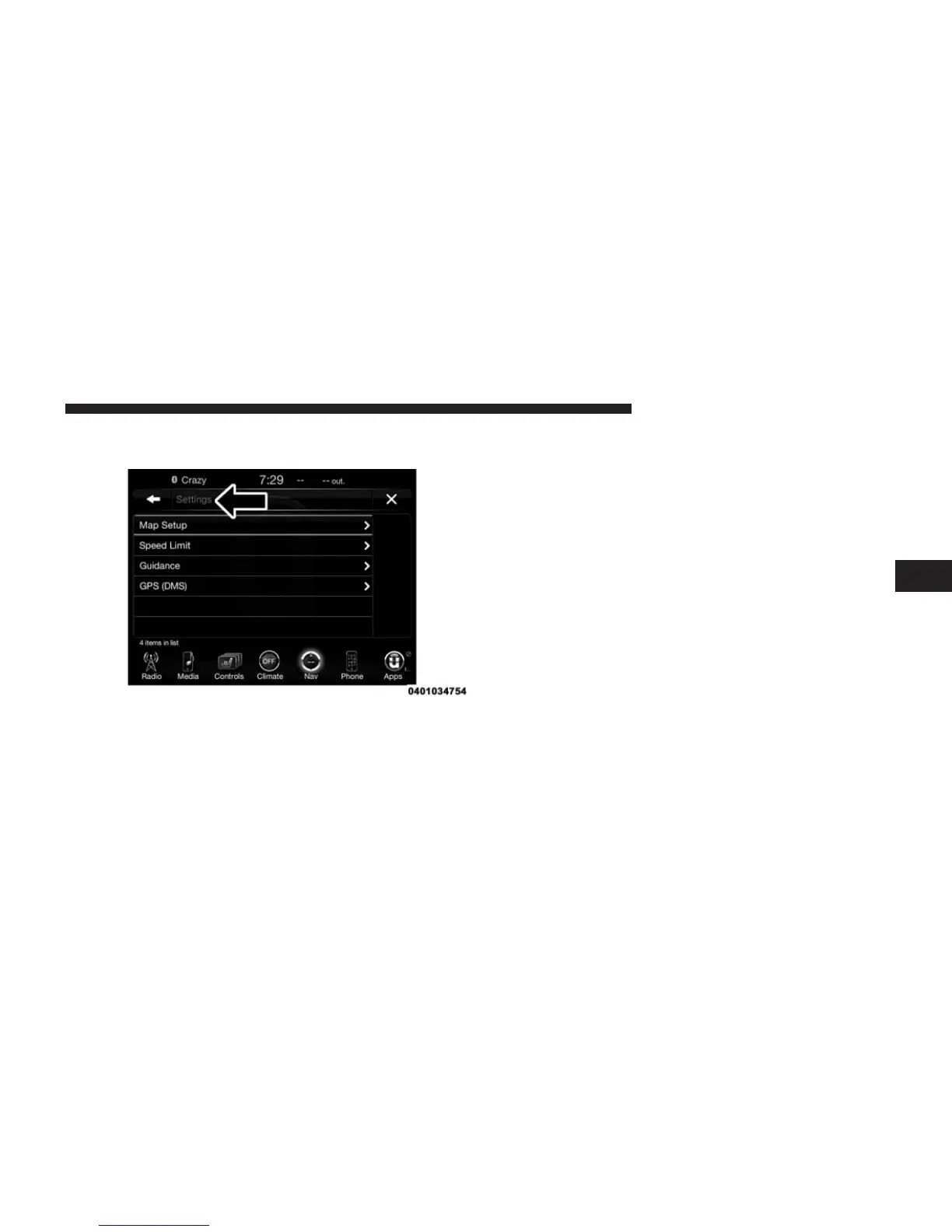
View Map — Settings
With the Map displayed, press the “Options” button on
the touchscreen and then press the “Settings” button on
the touchscreen. You can also access this menu by press-
ing the “Settings” button in the lower right of the Nav
Main Menu.
The following Map Settings are available:
Map Setup
Press this button on the touchscreen to display items to
customize how your map is viewed. Settings – Map
Setup for more information.
Speed Limit
Press this button on the touchscreen to turn on/off speed
limit warning announcements and to enter a pre-defined
speed limit for your route.
Guidance
Press this button on the touchscreen to display items to
customize your route guidance. For more information, go
to Settings - Guidance section of this manual.
4
Uconnect® 8.4AN — If Equipped 381



 To Next Page