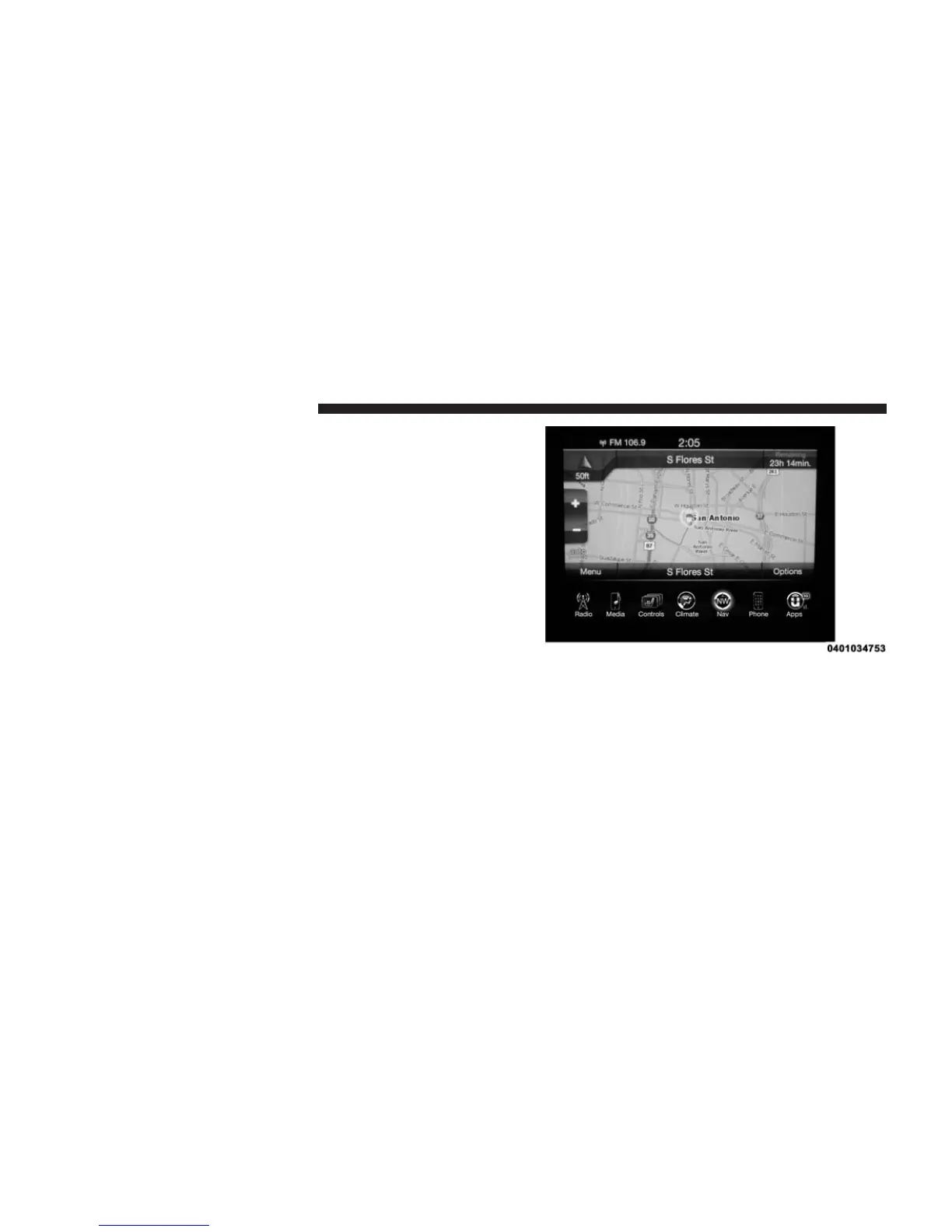
Where Am I?
Press the area in the lower center part of the screen that
displays your current location to view the Where Am I?
view.
Where Am I? displays the address and GEO Coordinates
of your current location.
• Press the “GPS” button on the touchscreen to view the
GPS information.
• Press the “Save” button on the touchscreen to save the
location in your Favorites.
You can press the “back” arrow button on the touch-
screen to return to the previous screen or the “X” button
on the touchscreen to exit.
380 Uconnect® 8.4AN — If Equipped



 To Next Page