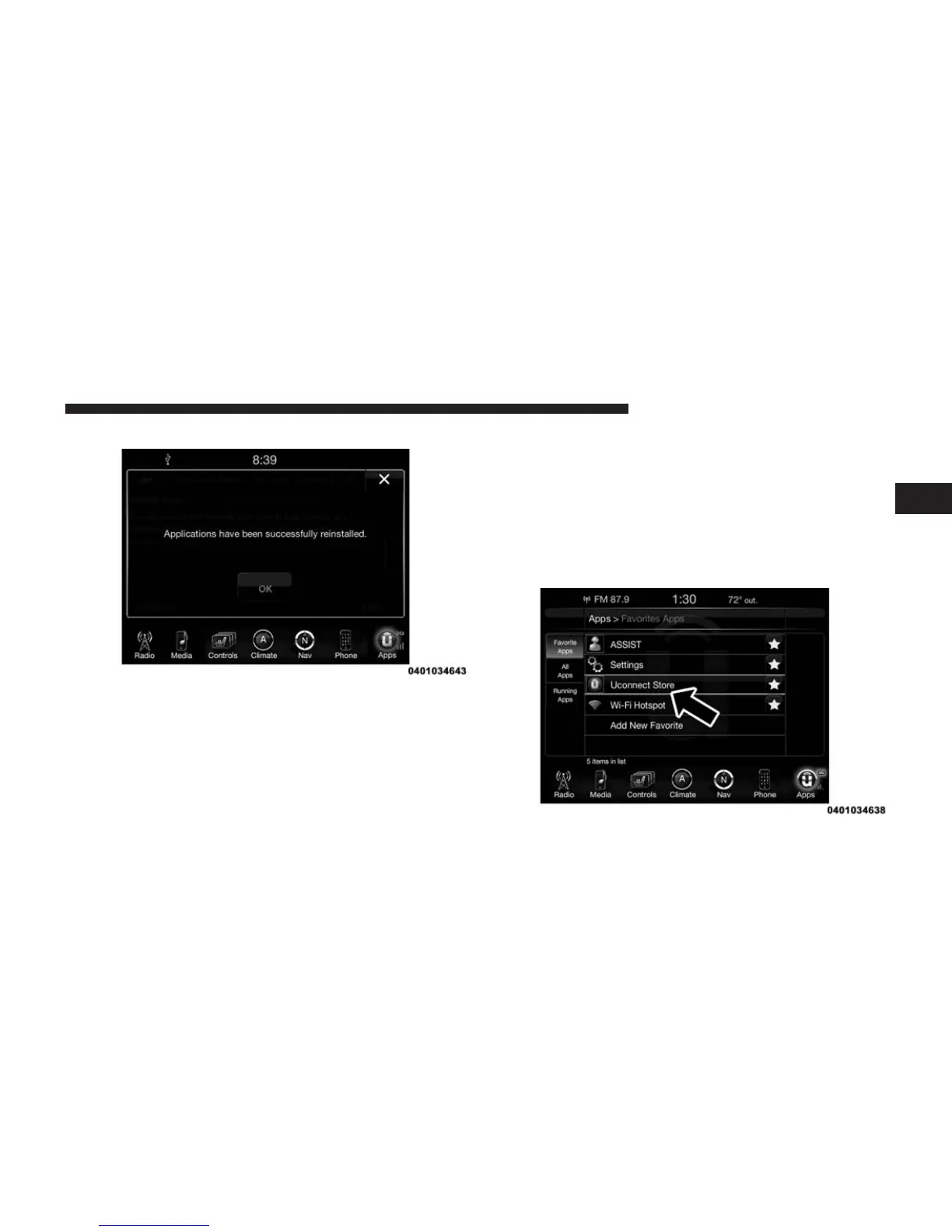
3. Your Apps have been successfully re-installed.
How To Remove My Uconnect® Access Account
To remove your Uconnect® Access account or cancel
your Uconnect® Access subscription, follow the instruc-
tions below. You may also go to the Mopar Owner
Connect website (
moparownerconnect.com
). On Mopar
Owner Connect, go to Uconnect® Store, and click on
“Remove My Vehicle.”
For further assistance call Uconnect® Care at 855-
792-4241.
1. Press the Uconnect® “Apps” button and open the
Uconnect® Store. Select “My Apps.”
2
ALL ABOUT Uconnect® ACCESS 157



 To Next Page