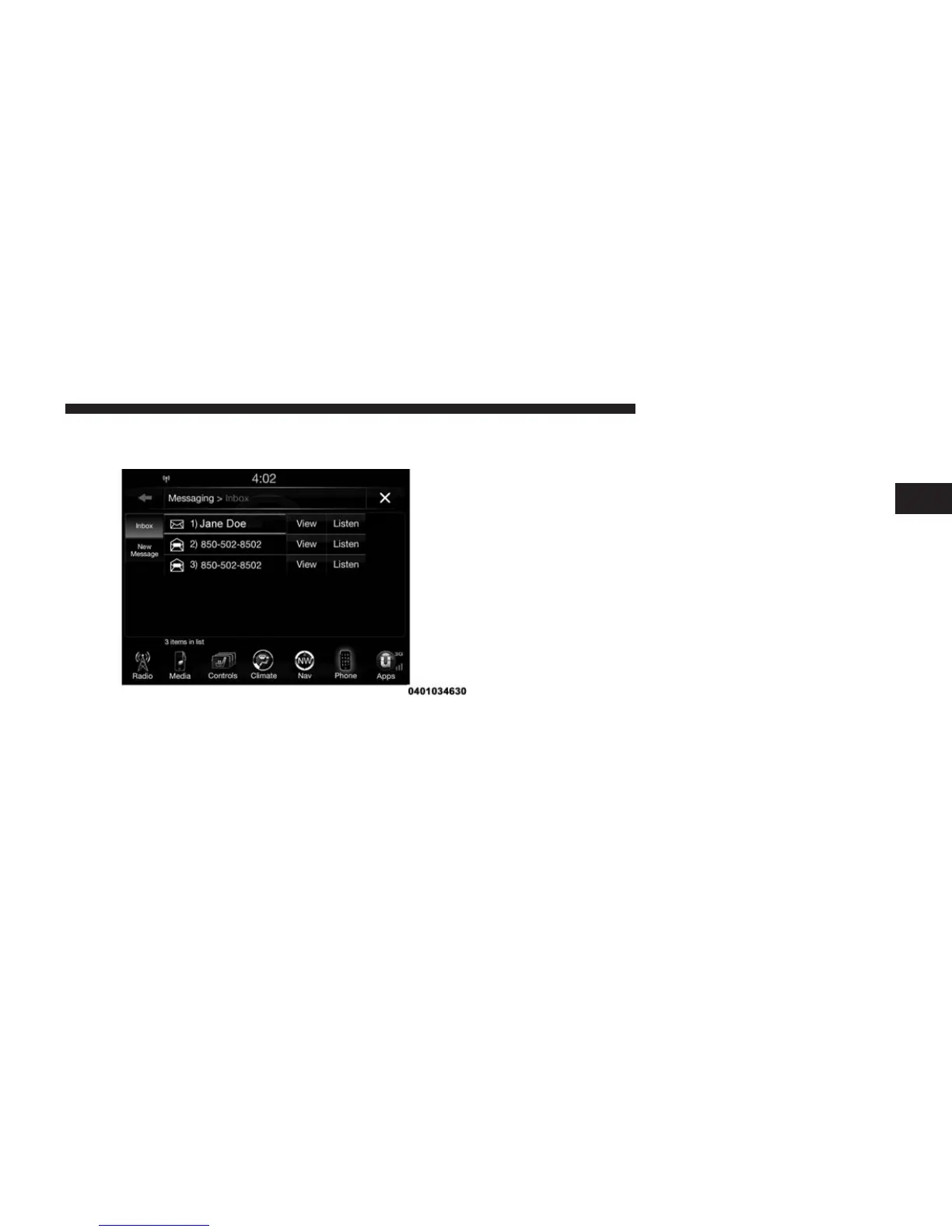
To Reply To A Message With A Pre-Formatted Re-
sponse (Voice Text Reply)
NOTE: This function only operates while the vehicle is
not in motion.
1. Press “View” next to the message
2. Press “Reply”
3. Select the pre-formatted response by pressing it (“I
can’t talk right now”)
4. Press “Send”
Viewing Or Listening To Incoming Messages
To Listen to a Message from Radio
1. Push the ⬙Phone⬙ button on the steering wheel. Say
ⴖListen to messageⴖ
OR
Press the ⬙Listen⬙ button on the touchscreen.
2
ALL ABOUT Uconnect® ACCESS 97



 To Next Page