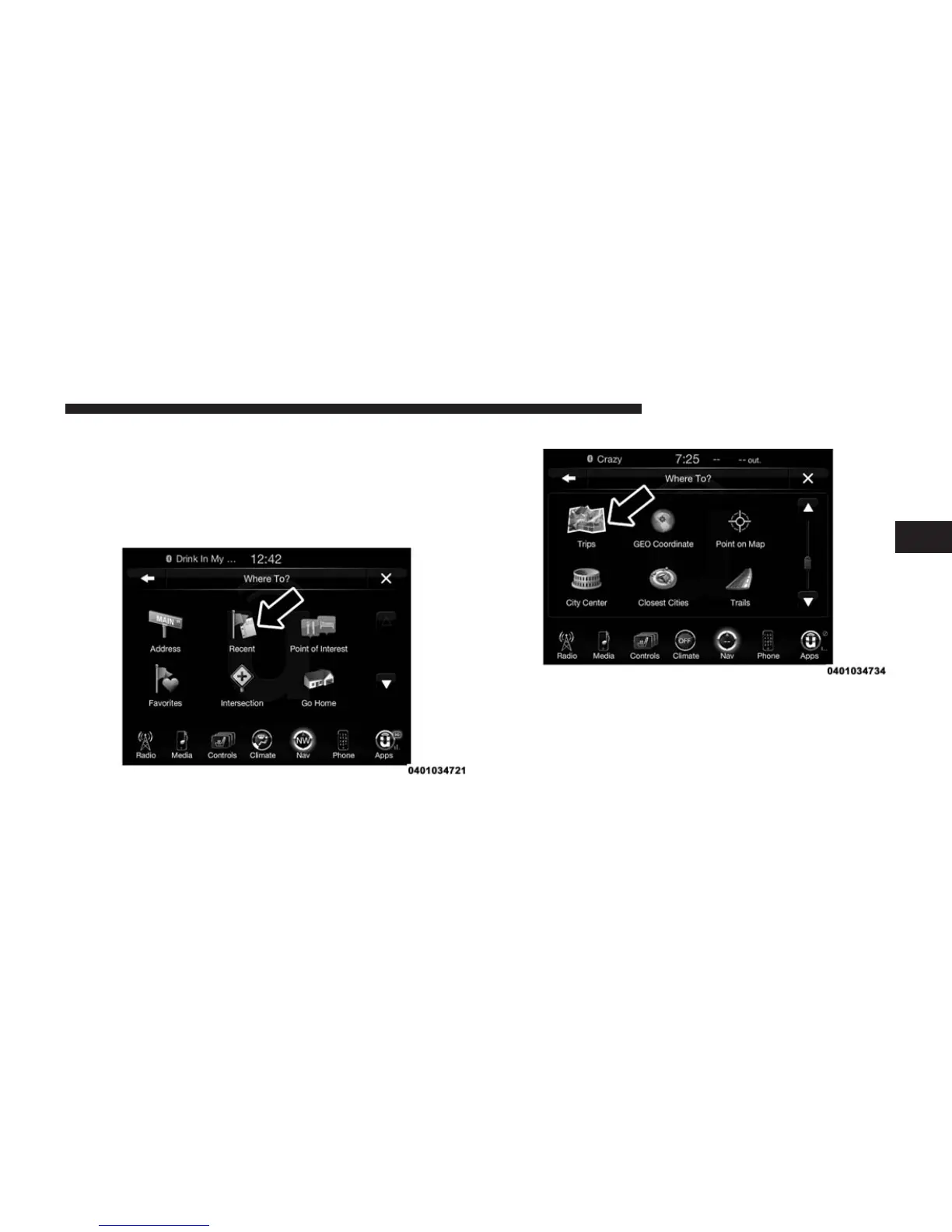
Where To? — Trips
To route to a saved Trip, follow these steps:
1. While in the Nav Main Menu, press the “Where To?”
button on the touchscreen then press the “Recent”
button on the touchscreen.
2. Press the “Trips” button on the touchscreen.
3. Press the button on the touchscreen with the name of
the desired Trip and press the first destination in the
list.
4. Confirm the route by pressing “Yes” to start the route
guidance.
3
Uconnect® 8.4A — If Equipped 251



 To Next Page