Register
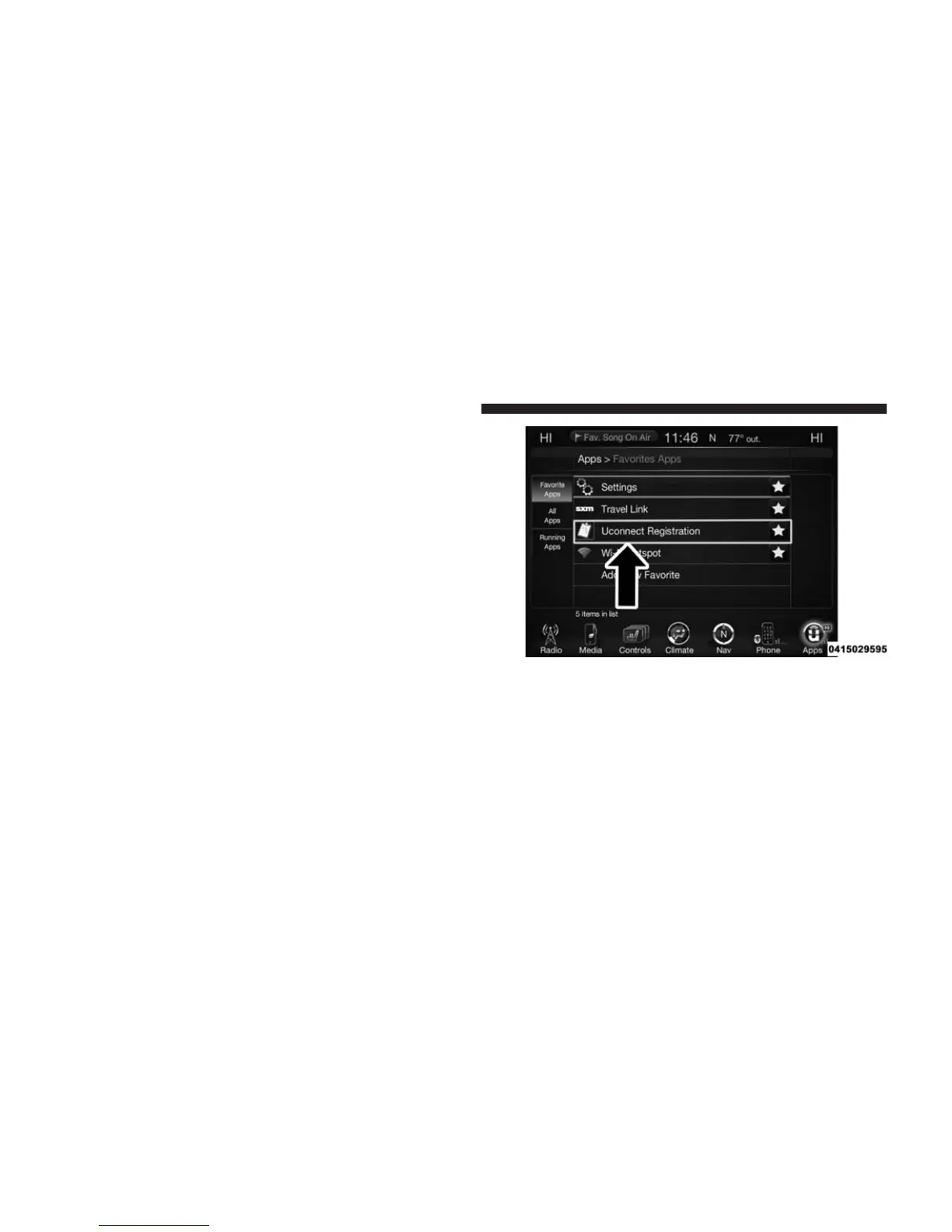
1. Press the Apps button on the bottom of the touch-
screen.
2. If a pop-up message appears, press Register or go to
the Favorite Apps menu and press Uconnect® Regis-
tration.
3. Read through the registration instructions. Enter and
confirm your personal email address. Then press
Send.
4. Check your personal inbox for an email from
Uconnect® Access.
5. Click on the link inside the email within 72 hours and
complete the easy online registration process to create
a personal Mopar® Owner Connect account linked to
your vehicle.
Mobile App
Securely link your mobile device to your vehicle with the
Uconnect® Access App. Once you have downloaded the
App, you may start your vehicle or lock it from virtually
any distance. (Vehicle must be properly equipped with
factory-installed Remote Start.)
418 Uconnect® 8.4A/8.4AN VOICE RECOGNITION QUICK TIPS



 To Next Page