GPS
Press this button on the touchscreen to change the GPS
display. Press the desired button on the touchscreen.
• Decimal
• DMS
• DM
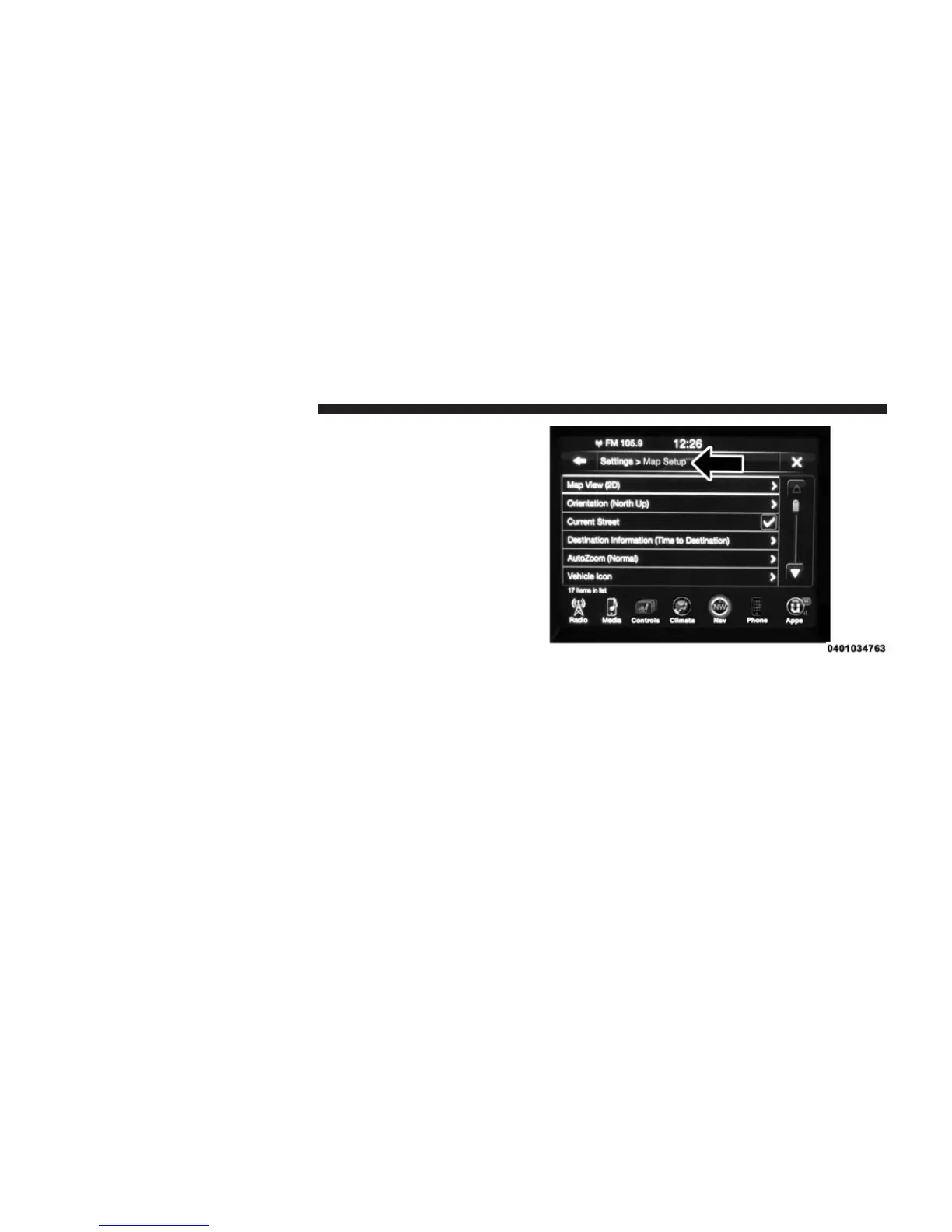
Settings — Map Setup
With the Map displayed, press the “Options” button on
the touchscreen, then press the “Settings” button on the
touchscreen and then the “Map Setup” button on the
touchscreen. You can also access this menu by pressing
the “Settings” button lower right of the Nav Main Menu.
The following Map Setup options are available:
Map View
Press this button on the touchscreen to change how the
Map View is displayed. Press the desired button on the
touchscreen.
382 Uconnect® 8.4AN — If Equipped



 To Next Page