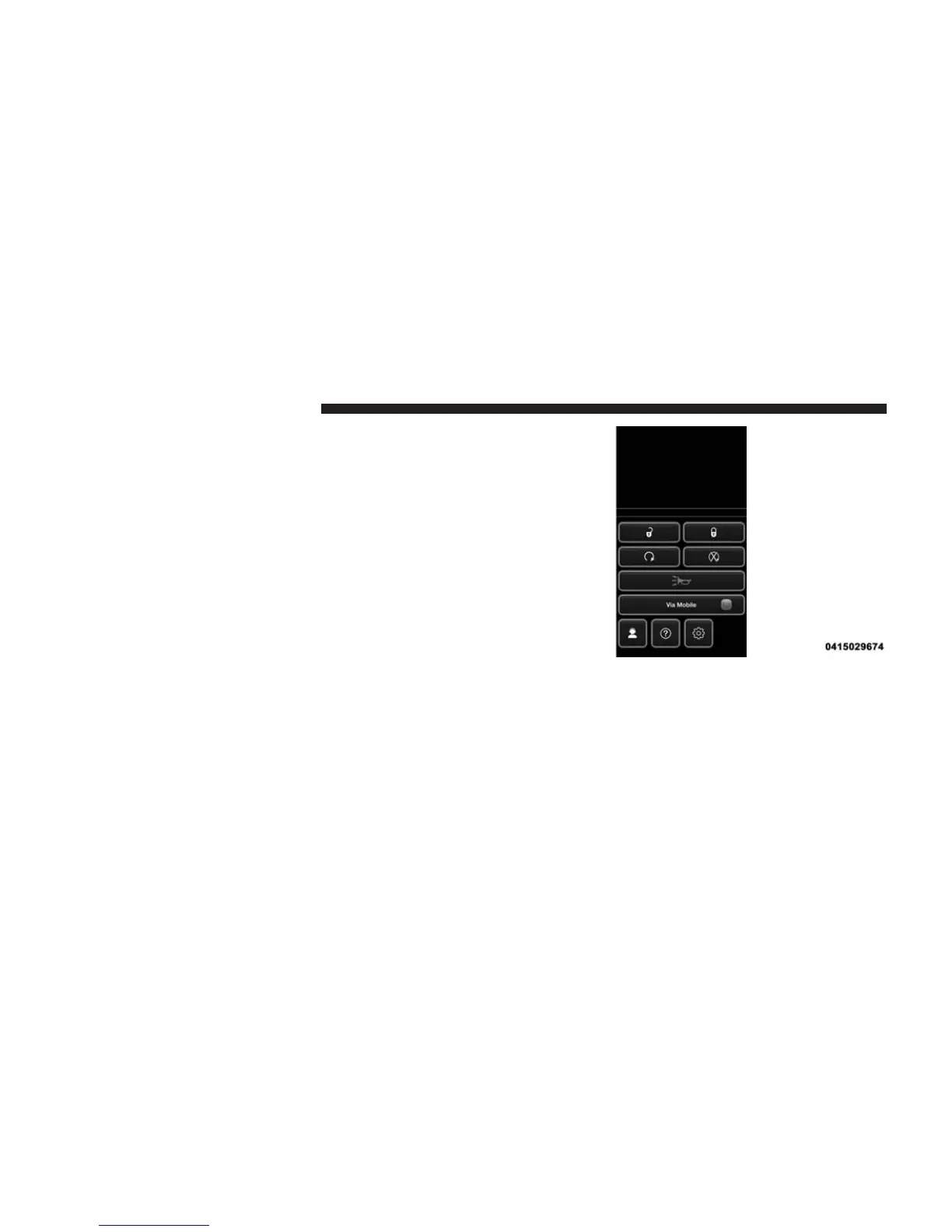
5. Launch the Uconnect® Access app on your connected
smartphone and log in with your Mopar Owner
Connect Username/Email and password. From the
vehicle touchscreen press the “Apps” button and
select Pandora® from the list. Pandora® is located
within the “All Apps” tab. To launch Pandora® using
voice recognition, push the button on the steering
wheel and say, “launch Pandora Via Mobile.”
Ensure that Via Mobile data has been turned on under
“Settings” in the Uconnect® Access App. A green indica-
tor next to the words “Via Mobile” will show when it is
ready to provide data to the vehicle touchscreen (a blue
indicator when data is being sent). A red indicator means
that it is not ready to provide data.
122 ALL ABOUT Uconnect® ACCESS



 To Next Page