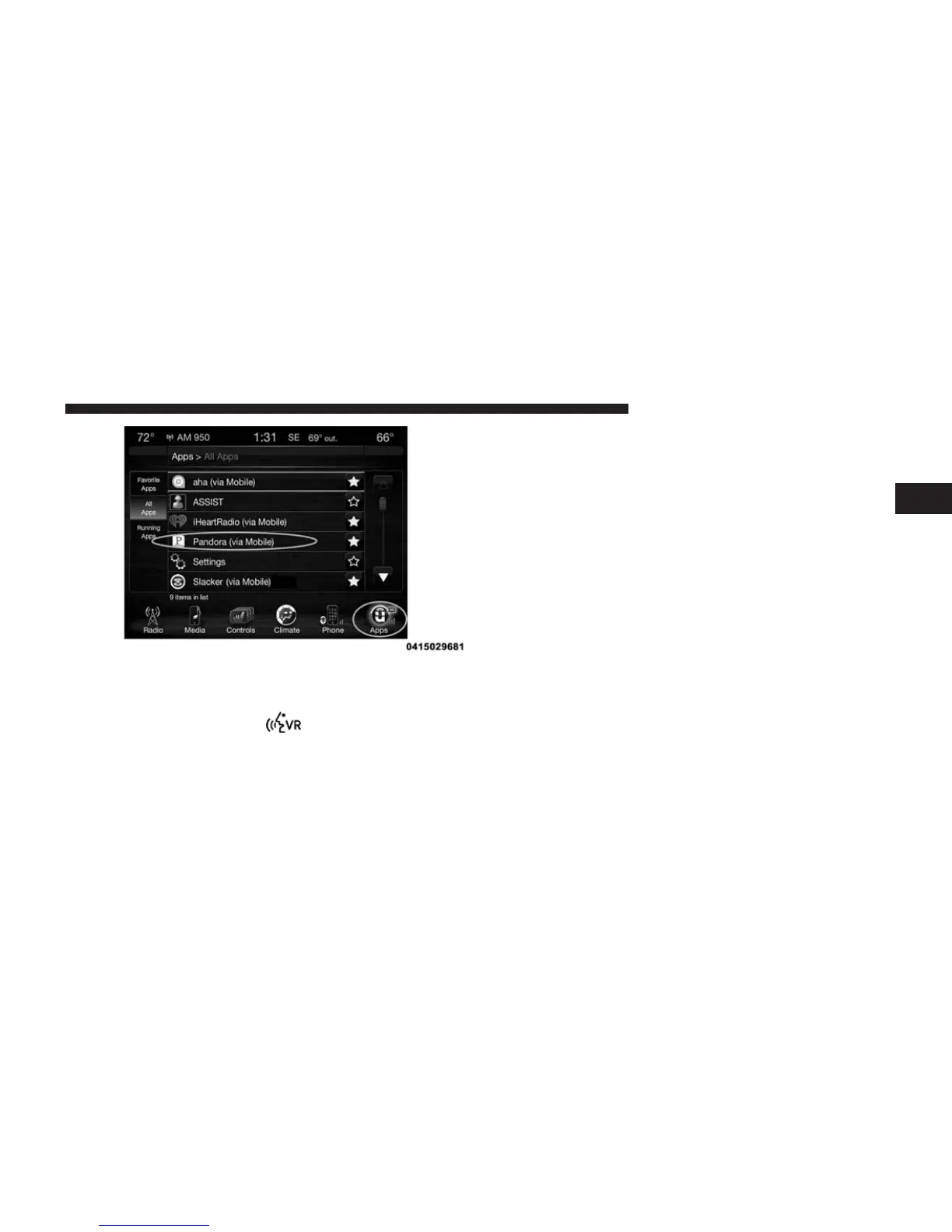
Give it a try!
1. From the vehicle touchscreen select Pandora® from
the apps list, or push the
button on the steering
wheel and say, “launch Pandora® Via Mobile.”
2. Select a station from the list, or select “QuickMix” to
listen to your music in shuffle mode.
3. To go back and select a different station, press the
“Station List” button on the touchscreen.
Requirements
• Vehicle must be properly equipped with the
Uconnect® Access System.
• Your smartphone must be compatible with the
Uconnect® Access App and properly connected to the
vehicle.
• Your connected smartphone must be in range of a
usable cellular signal.
• Vehicle must be registered with Uconnect® Access and
have an active subscription that includes the appli-
cable feature or App.
• Vehicle must be powered in the ON/RUN or ACC
(Accessory) position with a properly functioning elec-
trical system.
2
ALL ABOUT Uconnect® ACCESS 125



 To Next Page