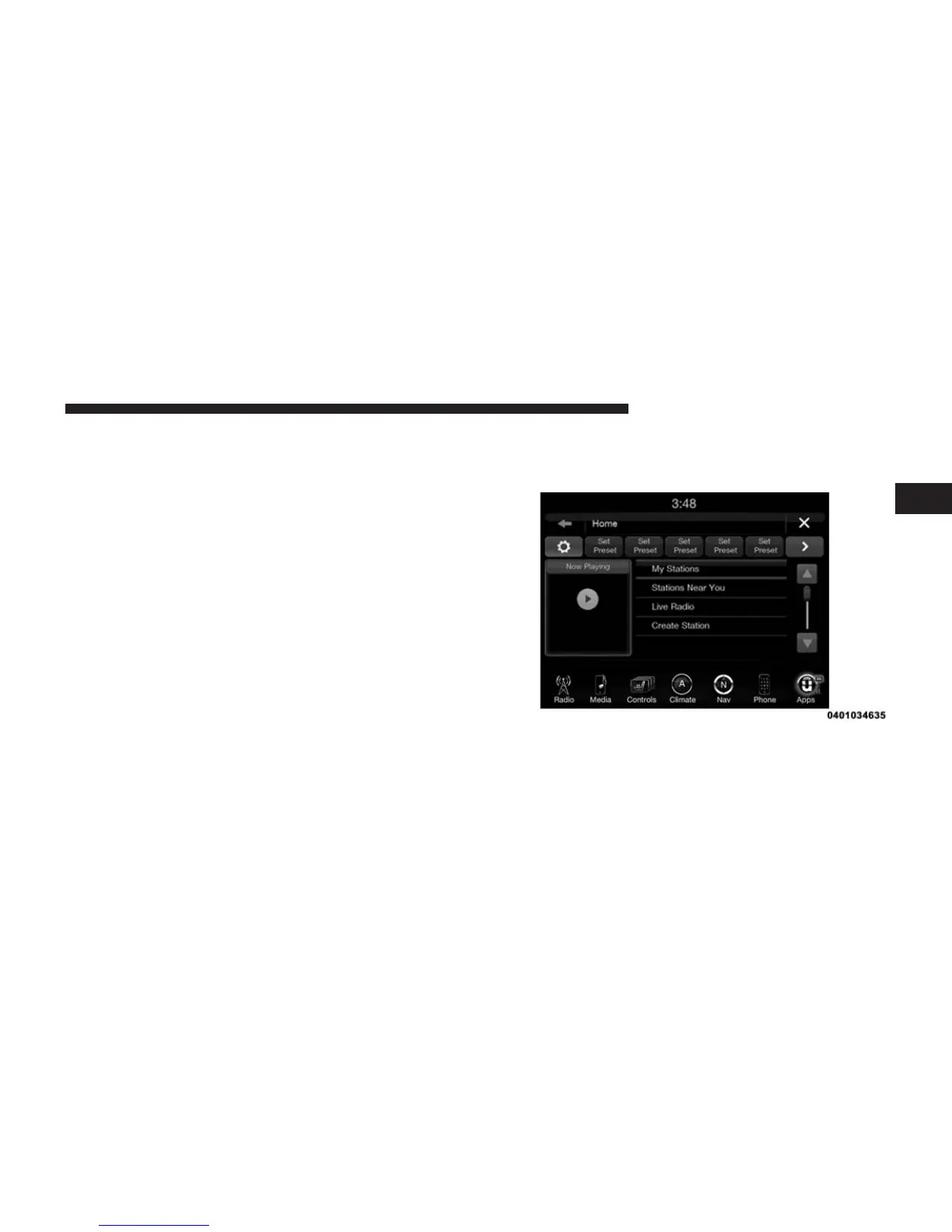
2. The app will launch, presenting you with a convenient
interface to use while in your vehicle. You will have
four options to select from:
• My Stations – Access stations you’ve saved and
created.
• Stations Near You – Listen to live radio stations
broadcasting from your local area.
• Live Radio – Displays live radio stations organized
by state and city (“Stations by Location”) and genres
(“Music” and “Talk Radio.”)
• Create Station – Browse featured artists to create
personalized, commercial-free custom music sta-
tions.
3. Press “Create Station.”
4. Press “Featured Artists by Genre.”
• Select an artist from the list.
5. To find a local, live radio station, return to iHeartRadio
Home and select “Stations Near You.”
• Select a station from the list
2
ALL ABOUT Uconnect® ACCESS 133



 To Next Page