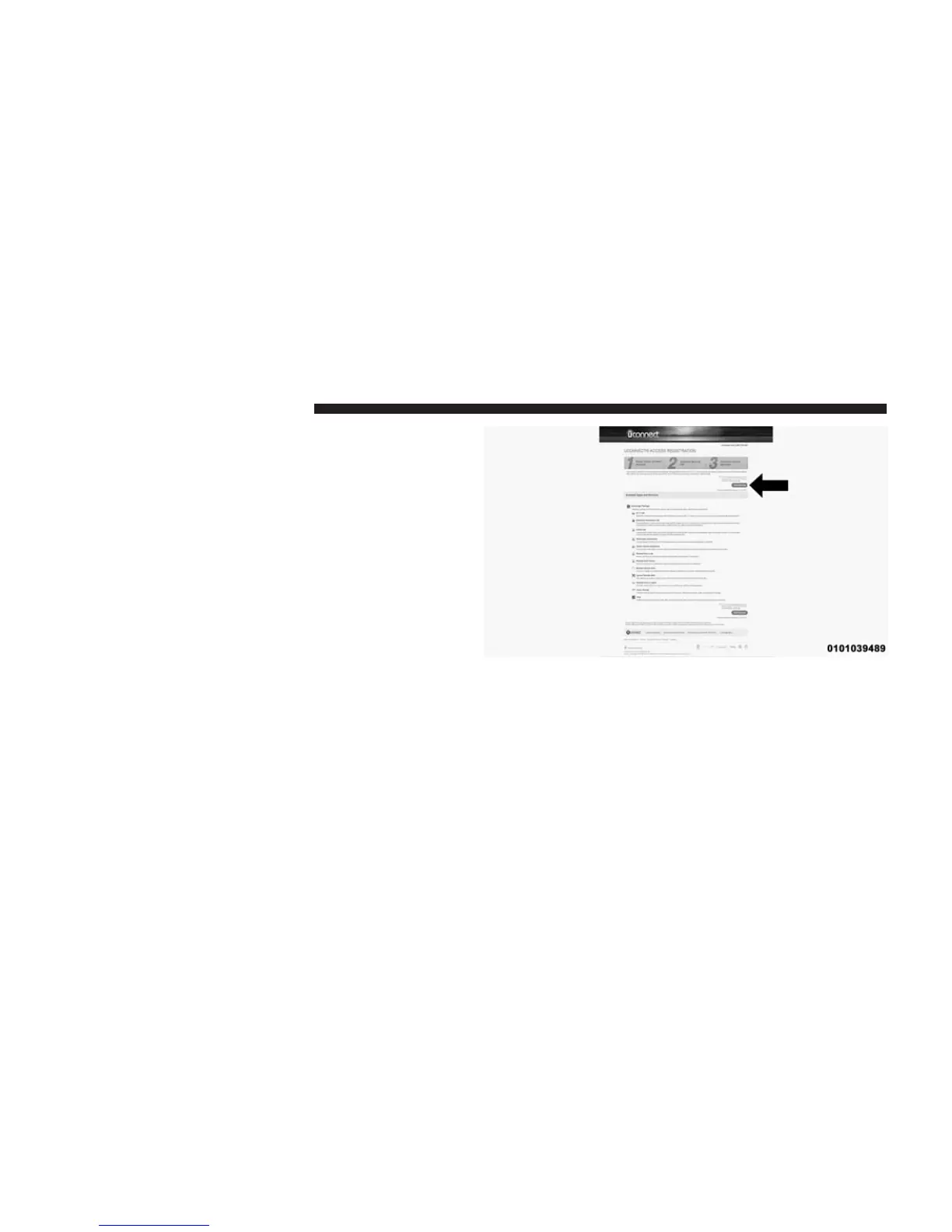
8. Once you are logged in to your Mopar Owner Connect
account, you will create a personal Uconnect® Secu-
rity PIN. The Uconnect Security PIN will be required
to authenticate you when accessing your account via
Uconnect® Care or performing any remote services
such as Remote Door Lock/Unlock, Remote Horn &
Lights, or Remote Vehicle Start.
9. If your vehicle qualifies for a trial package it will be
presented. Simply agree to the Uconnect® Terms of
Service (checkbox) and then select the “Start Service”
button.
At this point your vehicle is registered with
Uconnect® Access. Apps will be downloaded the next
time you start your vehicle. If the Apps have not
appeared after 24 hours, please contact Uconnect®
Care. The recommended next steps are to:
• Download the Uconnect® Access App (allows you to
utilize services such as Remote Door Unlock and Via
Mobile).
22 ALL ABOUT Uconnect® ACCESS



 To Next Page