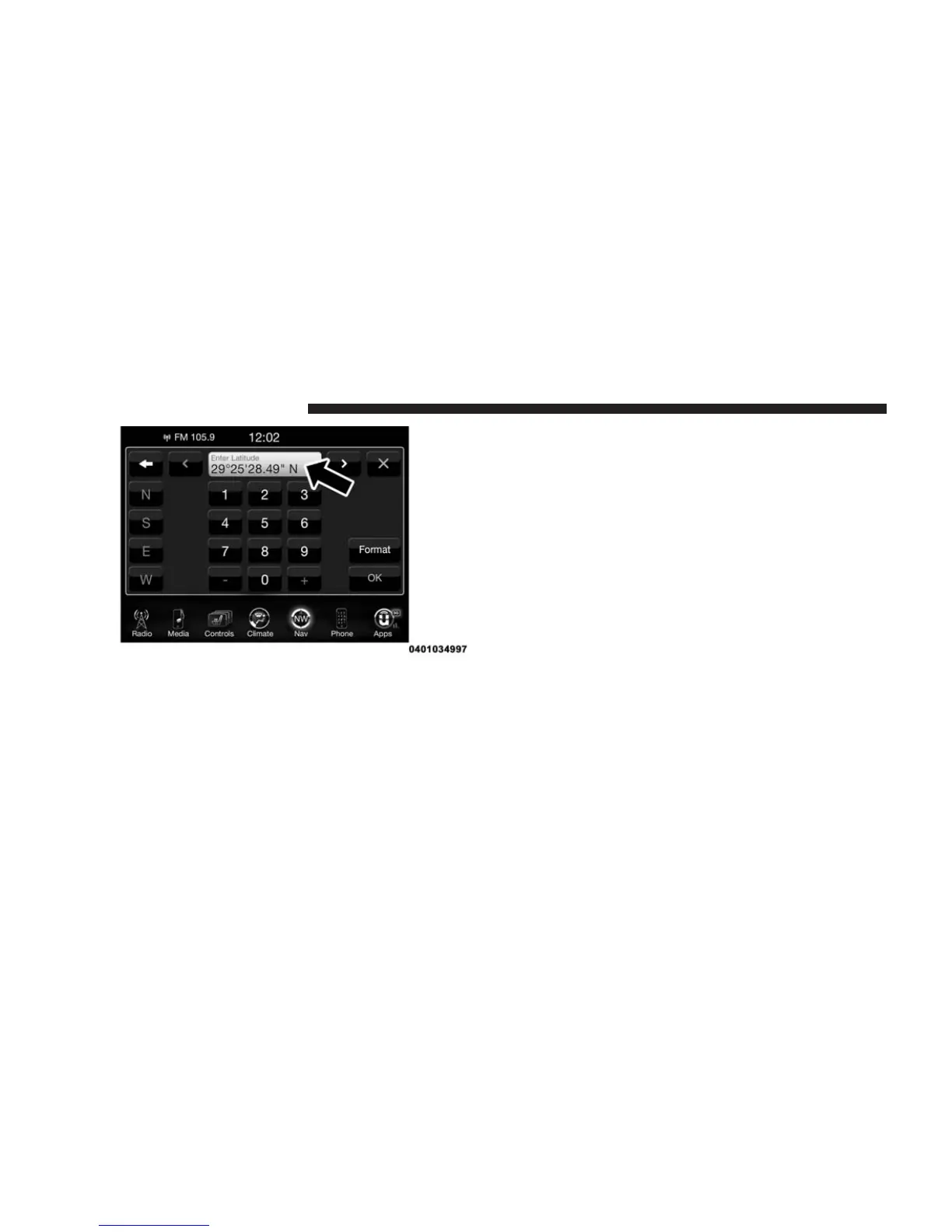
Press the “Format” button on the touchscreen to
change the format of the Latitude/Longitude entry.
3. Press the “OK” button on the touchscreen.
4. Enter the Longitude by typing in the numbers. Use the
left and right arrows to select specific numbers in the
location shown.
5. Press “OK” to confirm the destination.
6. Press the “Yes” button on the touchscreen to confirm
your destination and begin your route.
If you are currently on a route guidance and you select a
Geo Coordinate, the system will ask you to choose one of
the following:
• Cancel previous route
• Add as first destination
• Add as last destination
NOTE: You can press the “back arrow” button on the
touchscreen to return to the previous screen or the “X”
button on the touchscreen to exit.
254 Uconnect® 8.4A — If Equipped



 To Next Page