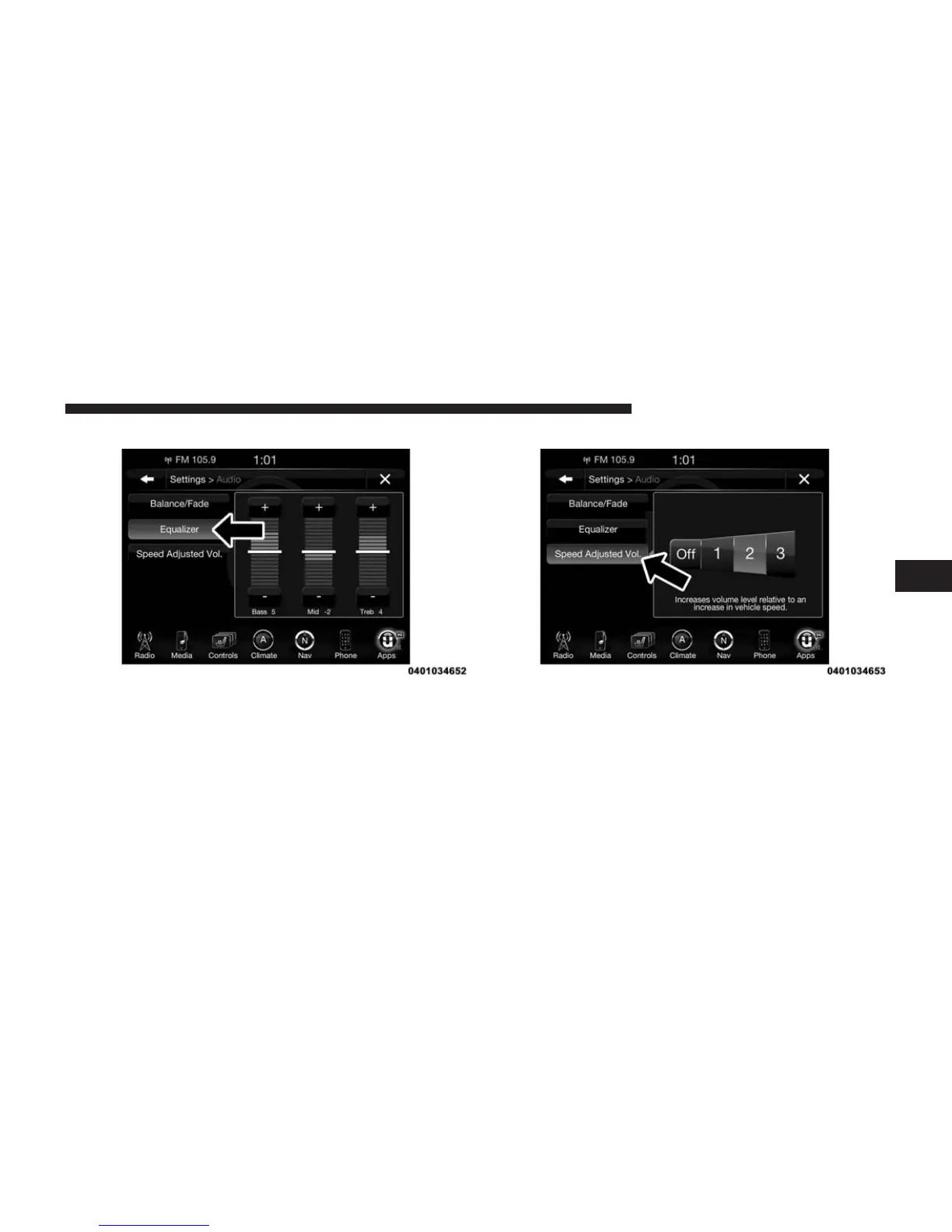
Equalizer
Press the “Equalizer” button on the touchscreen to acti-
vate the Equalizer screen.
Press the “+” or “–” buttons on the touchscreen, or by
pressing and dragging over the “Level Bar” for each of
the equalizer bands. The level value, which spans be-
tween ±9, is displayed at the bottom of each of the Bands.
Speed Adjusted Volume
Press the “Speed Adjusted Volume” button on the touch-
screen to activate the Speed Adjusted Volume screen.
The Speed Adjusted Volume is adjusted by pressing of
the “+ and –” buttons or by pressing and dragging over
the “Level Bar.” This alters the automatic adjustment of
4
Uconnect® 8.4AN — If Equipped 305



 To Next Page