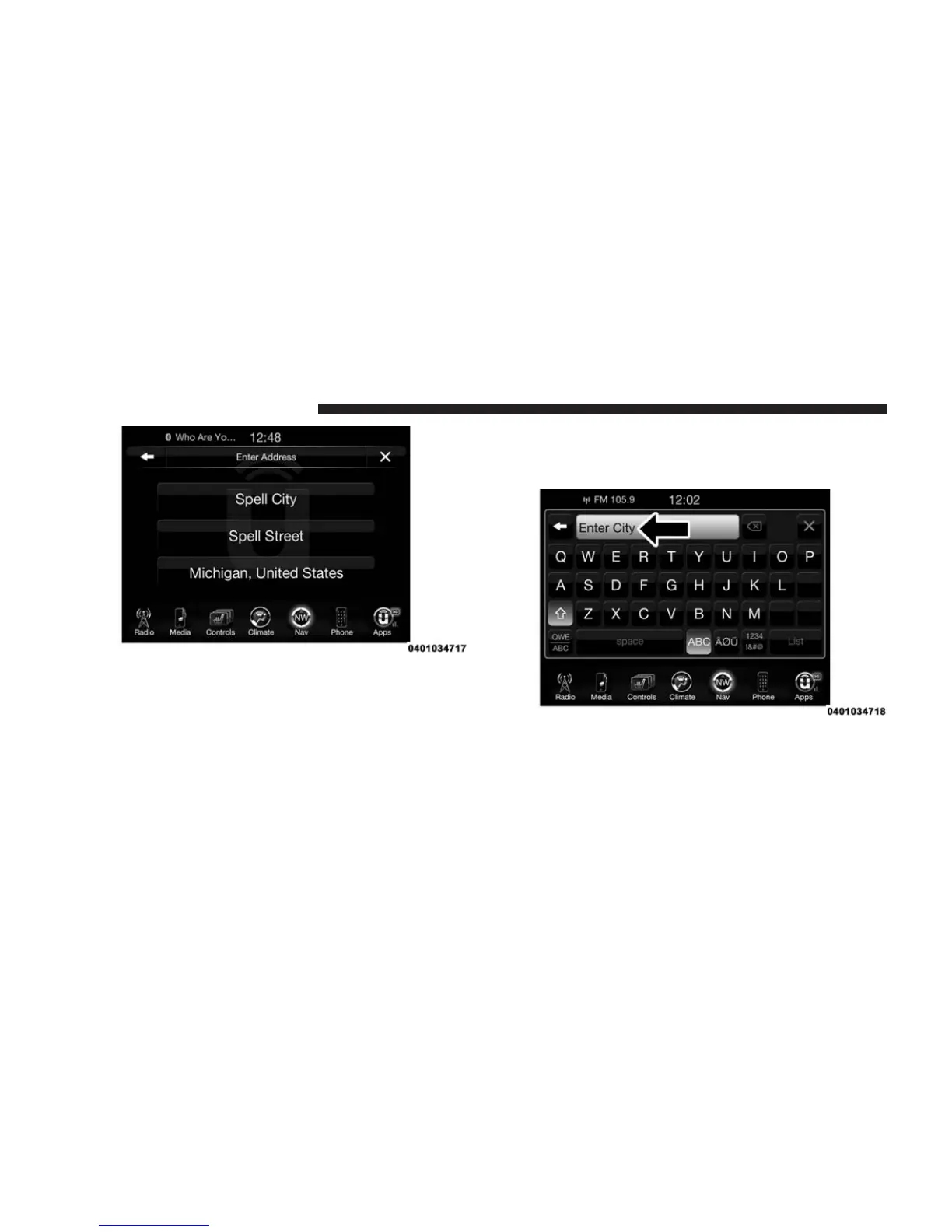
If you press “Spell City,” you will have to enter and
select/press the desired city name, followed by the
desired street name then the house number.
If you press “Spell Street,” you will have to enter and
select/press the desired street name in the correct city
and then you will have to enter the house number.
To change the state and/or country, press the “state,
country” button on the touchscreen and follow the
prompts to change the state and/or country.
Once the correct City, Street and Number has been
entered, you will be asked to confirm your destination
by pressing “OK.”
344 Uconnect® 8.4AN — If Equipped



 To Next Page