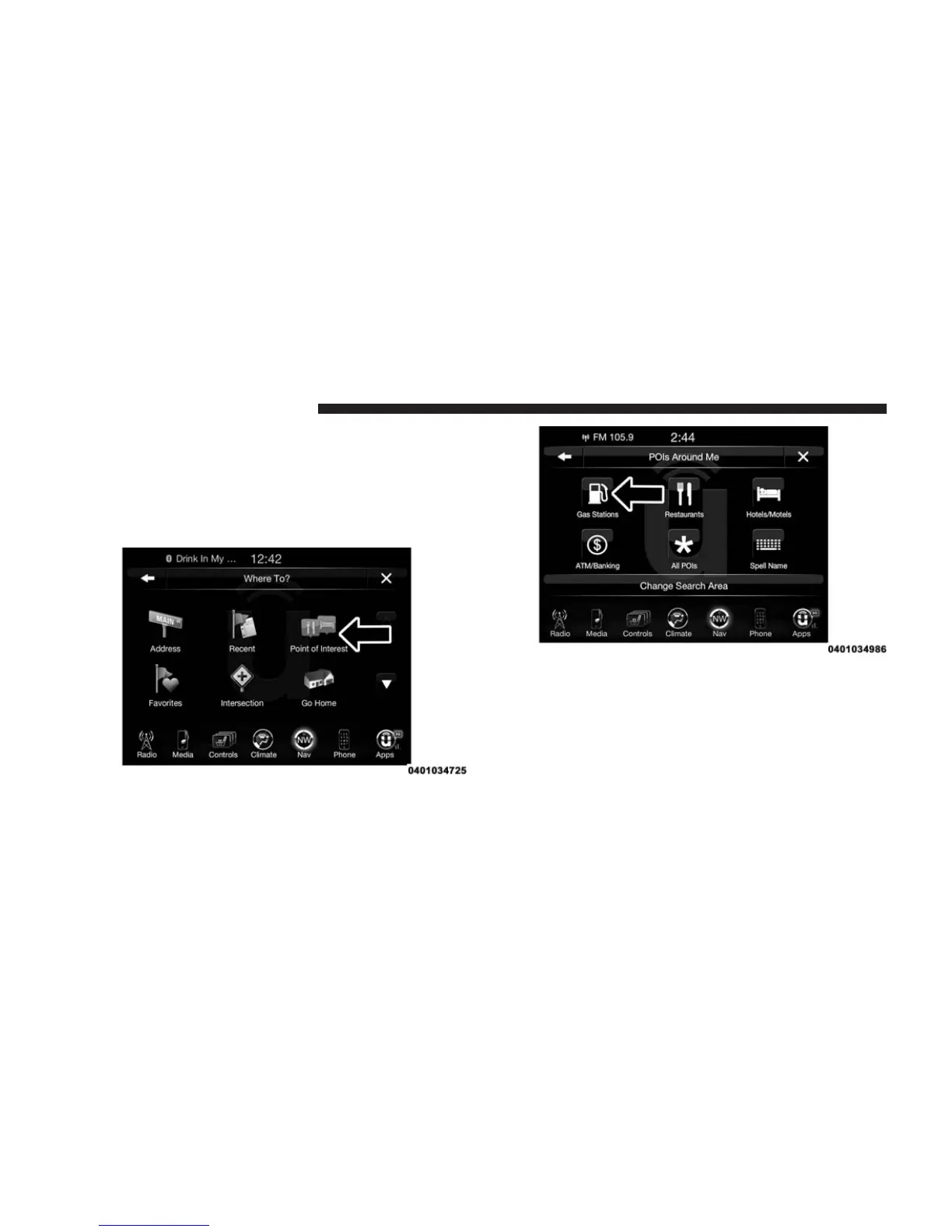
POI — Gas Stations
To select a Gas Station POI, follow these steps:
1. While in the Nav Main Menu, press the “Where To?”
button on the touchscreen, then press the “Point of
Interest” button on the touchscreen.
2. Press the “Gas Stations” button on the touchscreen.
You can search for a gas station by the following
categories, which are button tabs at the top of the
screen.
• Name
• Distance
• Type
• ABC (Search)
350 Uconnect® 8.4AN — If Equipped



 To Next Page