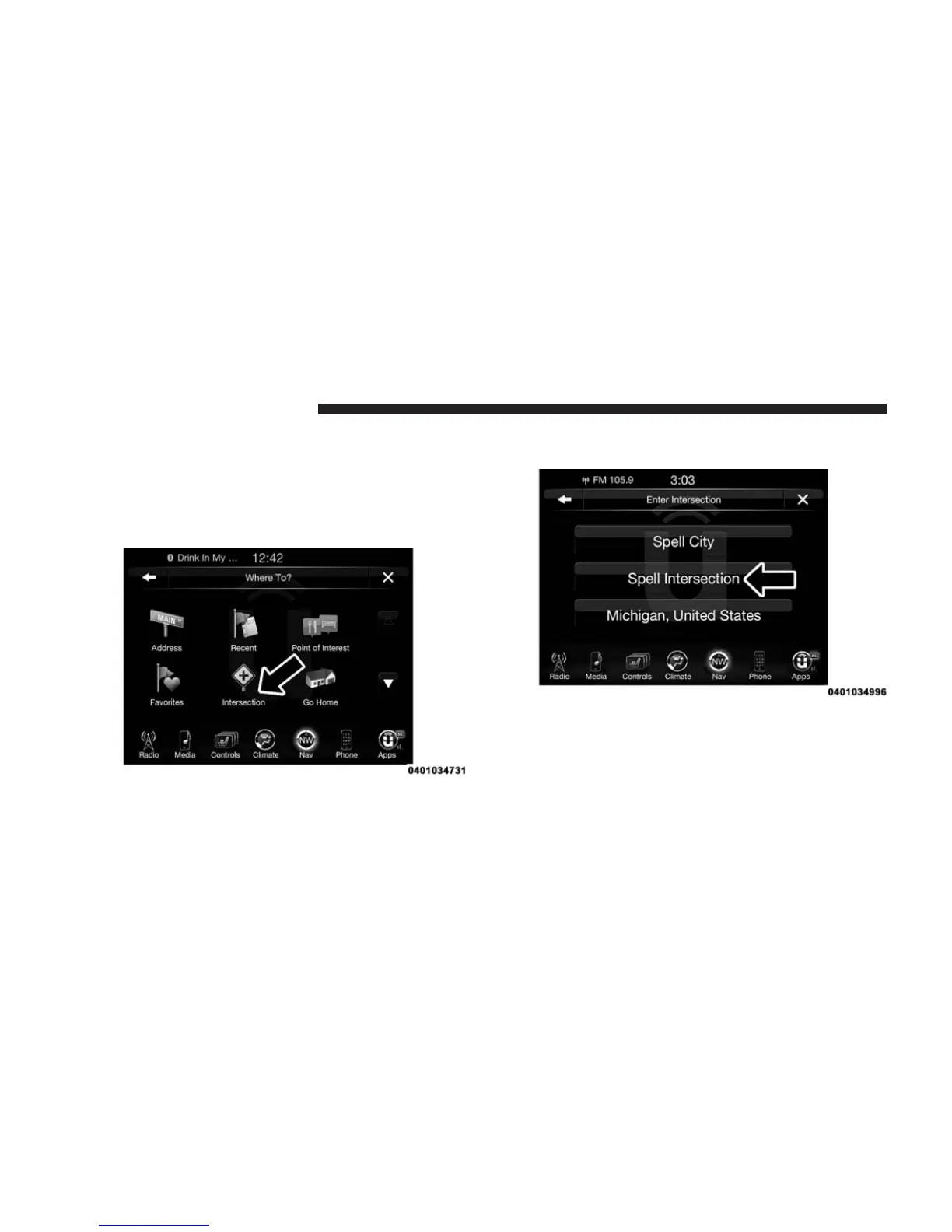
Where To? — Intersection
To enter a destination by Intersection, follow these steps:
1. While in the Nav Main Menu, press the “Where To?”
button on the touchscreen, then press the “Intersec-
tion” button on the touchscreen.
2. Press the “Spell Intersection” button on the touch-
screen.
This menu shows the default country and state setting.
NOTE: To change the state and/or country, press the
“state, country” button on the touchscreen and follow the
prompts to change the state and/or country.
362 Uconnect® 8.4AN — If Equipped



 To Next Page