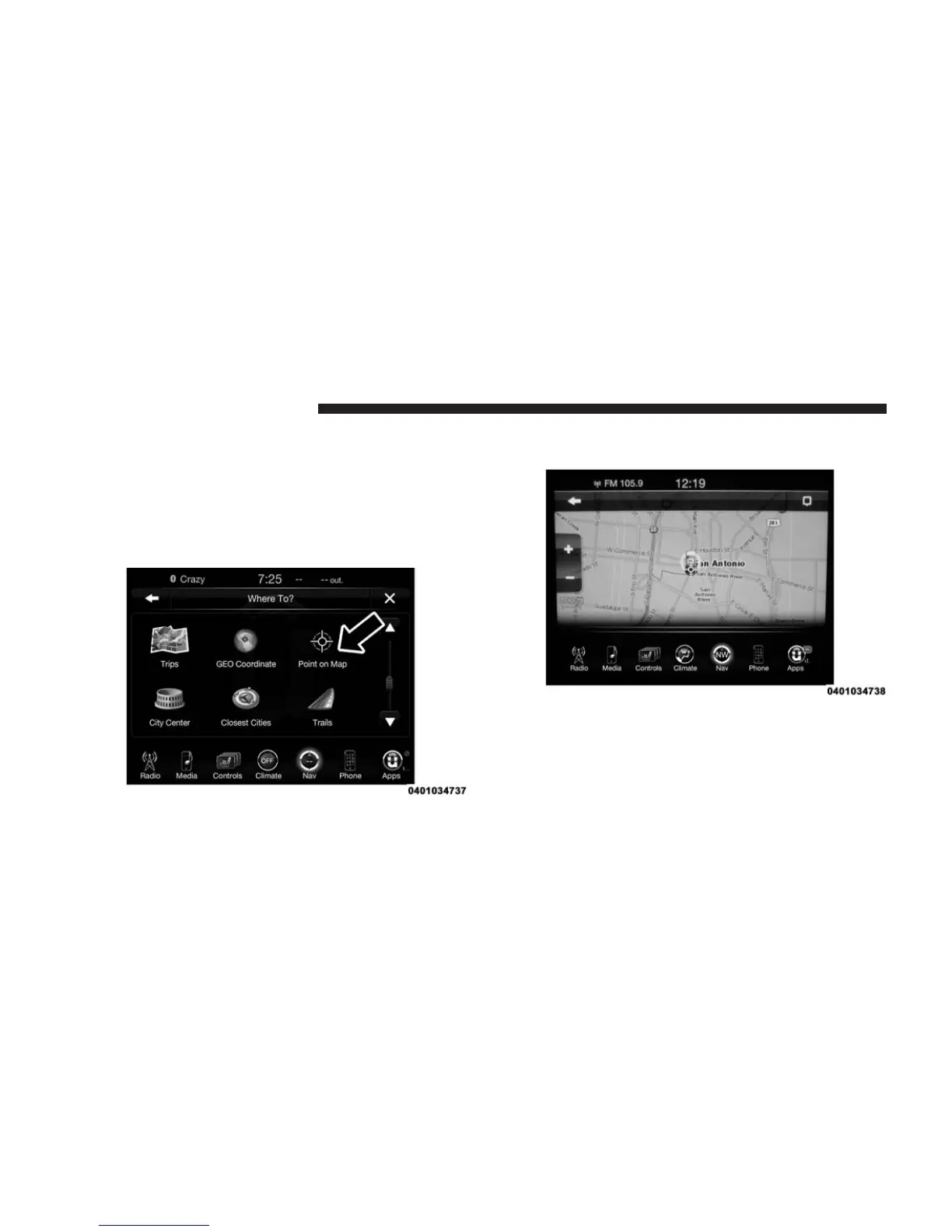
Where To? — Point on Map
To enter a destination by Point on Map, follow these
steps:
1. While in the Nav Main Menu, press the “Where To?”
button on the touchscreen then press the “Point on
Map” button on the touchscreen.
2. Use the touchscreen to drag the center of the cross
over the desired destination.
3. Either press the “address bar” at the top center of the
screen to confirm your location, or press the “Details”
button in the upper right corner to display the avail-
able locations near that point on the map.
370 Uconnect® 8.4AN — If Equipped



 To Next Page