• WPA2/WPA — “WiFi Protected Access” – This is the
default security and can be changed by pressing
WiFi Hotspot > View/Edit Pass phrase.
• WEP — “Wired Equivalent Privacy” – Pass phrase
must be 13 characters long.
• None — No security, will not prompt you for a pass
phrase, when you attempt to connect to WiFi
Hotspot.
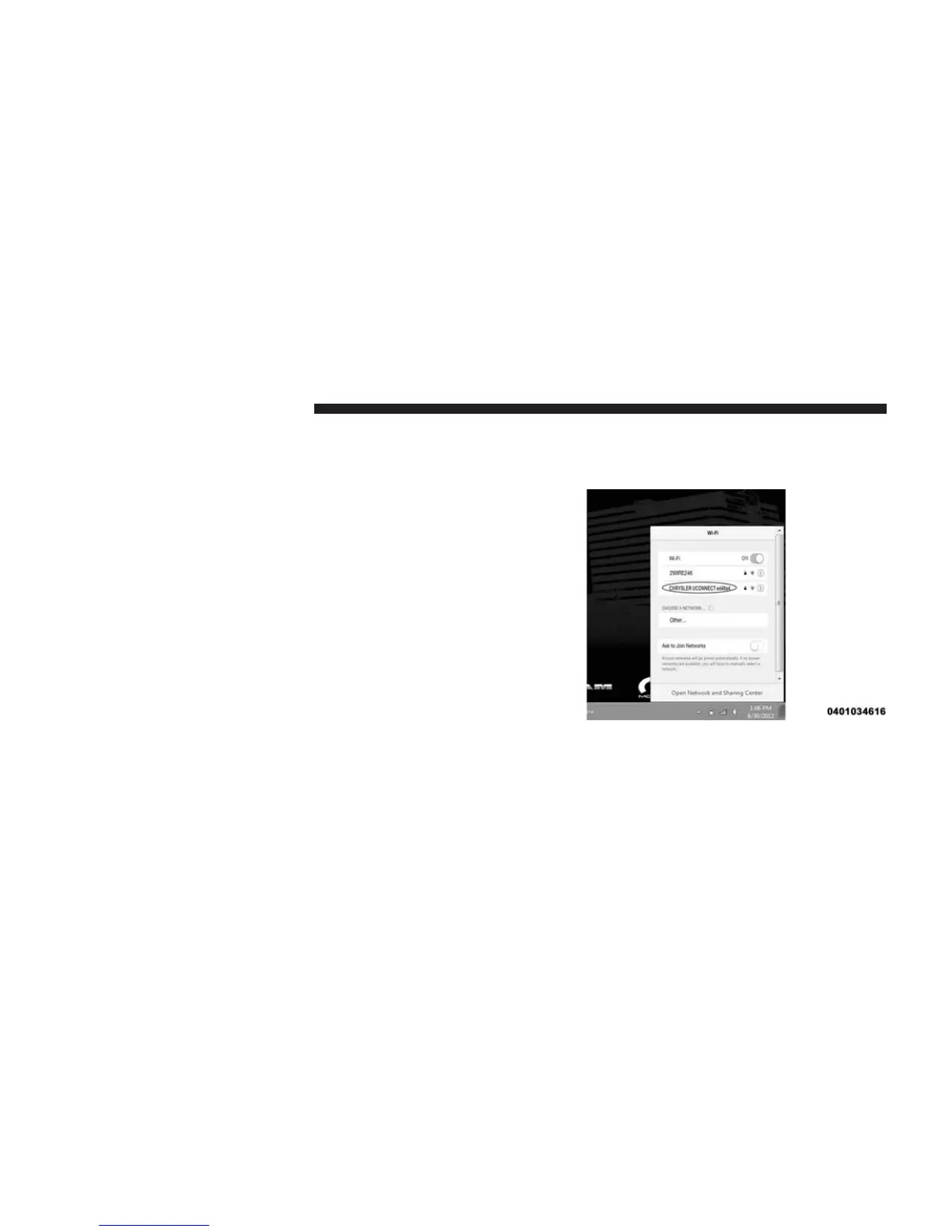
5. From your Wi-Fi enabled device (laptop, tablet, etc.)
• Search for and select the Uconnect® hotspot in the
settings of your device
• Type the network security key (this is called “pass
phrase” and is found in Apps > All Apps > WiFi
Hotspot > View/Edit Pass phrase)
• Click OK
You are now connected!
NOTE: Refer to your device’s owner’s manual for spe-
cific information related to your device.
76 ALL ABOUT Uconnect® ACCESS



 To Next Page