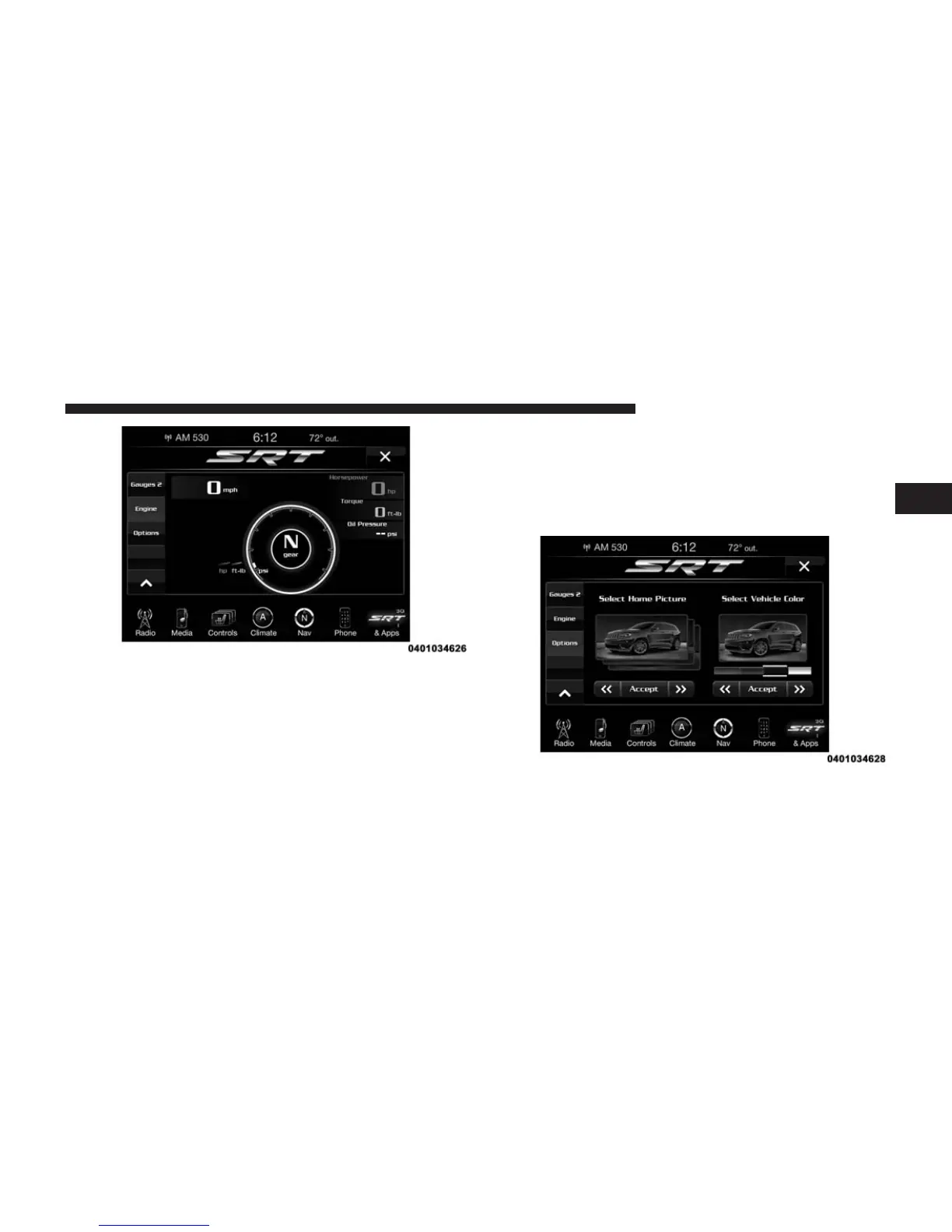
11. If the Options tab is chosen, it will allow the driver to
add details to the graphic display of the vehicle on
the radio touchscreen such as:
• Home Picture — Select a vehicle image to be dis-
played. Pressing the home picture option will allow
the driver to make changes.
NOTE: Graphic will represent the owner’s vehicle, e.g.
Viper or Grand Cherokee.
• Vehicle Color Options — Customize the color of the
vehicle displayed on the home picture.
• Accept Button — Saves your selections.
2
ALL ABOUT Uconnect® ACCESS 89



 To Next Page