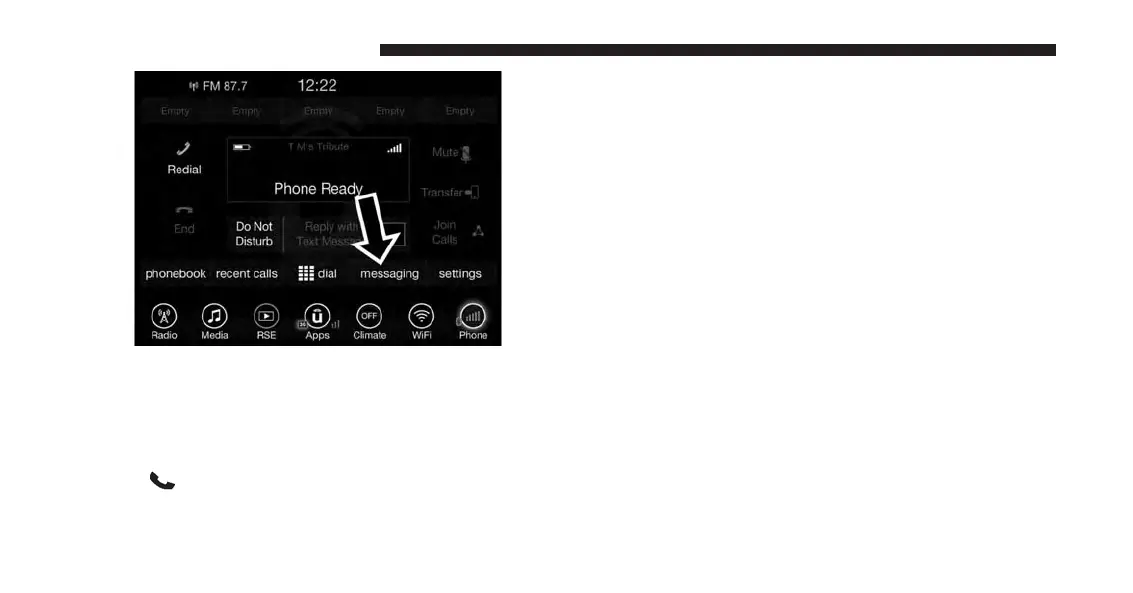
If a Bluetooth authorization window appears showing
your device requesting permissions, check the box for
Always and press Accept.
Sending A New Text Message From Radio
1. Push
on the steering wheel.
2. Say “Send text message.”
3. The system will respond “Say the phone number or
the full name and the phone type of the contact that
you want to send a message to.”
4. Dictate message (“I will be home at eight.”)
5. When finished dictating, wait for prompt and say
“Send.”
Viewing Or Listening To Incoming Messages
To Listen to a Message from Radio
1. Push the ⬙Phone⬙ button on the steering wheel. Say
ⴖListen to message.ⴖ
OR
Press the ⬙Listen⬙ button on the touchscreen.
50 ALL ABOUT UCONNECT ACCESS



 To Next Page