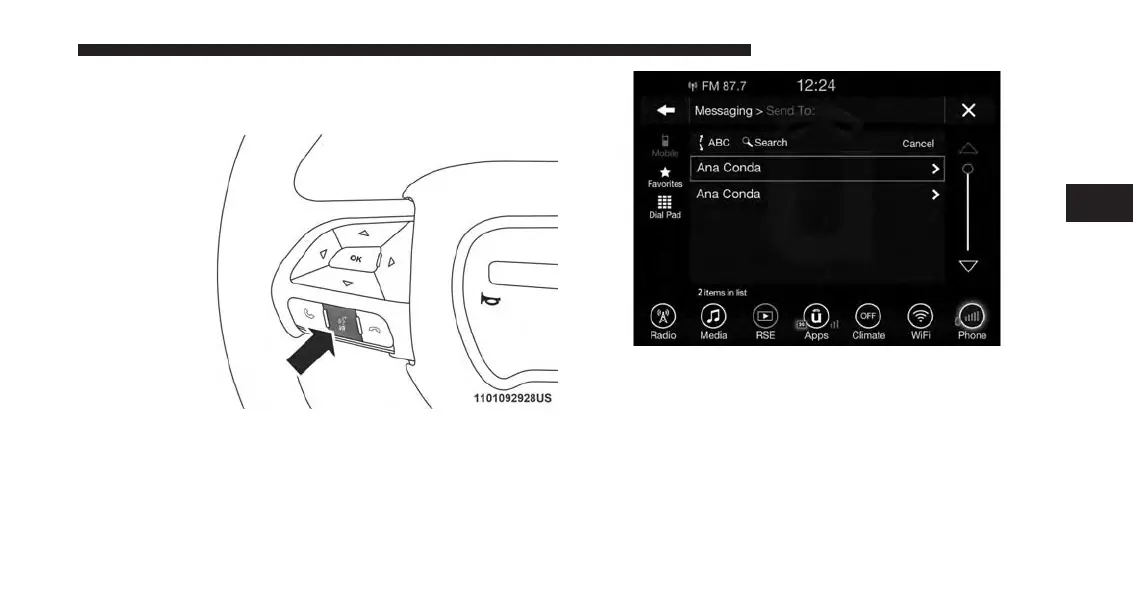
Viewing Your Messages
1. Push the “Phone” button on the steering wheel.
2. Say “View message.”
OR
Press “View” on the in-vehicle touchscreen.
Contact names or phone numbers of the message
sender appears in a list along with View and Listen
buttons on the touchscreen.
3
ALL ABOUT UCONNECT ACCESS 51



 To Next Page