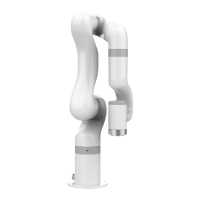
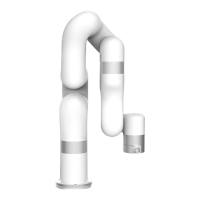
The interface set_servo_angle is described in Table 2.1:
Table 2.1 Description of set_servo_angle
set joint angle for joint motion
joint ID, 1-7, None or 8 means all joints:
a) 1- (Number of axes) Joint number of the robotic arm
E.g. : arm.set_servo_angle (servo_id = 1, angle = 45, is_radian
= False)
b) None (8) represents all joints
E.g. : arm.set_servo_angle (angle = [30, -45, 0, 0, 0, 0, 0],
is_radian = False)
angle Joint angle or list of joint angles (the unit of the
default joint angle is is_radian = False, degrees (°))
a) If servo_id is 1- (joint number)
E.g. : arm.set_servo_angle (servo_id = 1, angle = 45, is_radian
= False)
b) If servo_id is None or 8,
E.g. : arm.set_servo_angle (angle = [30,45,0,0,0,0,0],
is_radian = False)
joint speed (the default unit is ° / s):
Unit: if is_radian = True, the unit is rad / s; if is_radian =
False, the unit is ° / s;
joint acceleration (default unit is ° / s
2
)
Unit: if is_radian = True, the unit is rad / s
2
; if is_radian =
False, the unit is ° / s
2
;
roll / pitch / yaw Whether it is measured in radian (default
is_radian = False)
If is_radian = True, the unit of roll / pitch / yaw is radian;
If is_radian = False, the unit of roll / pitch / yaw is degree
(°);
If wait = True, wait for the current commands to finish before
sending the next commands;
If wait = False, send the next commands directly;
Note:
1. If the joint angle is to be set in radian, then is_radian = True;


 To Next Page