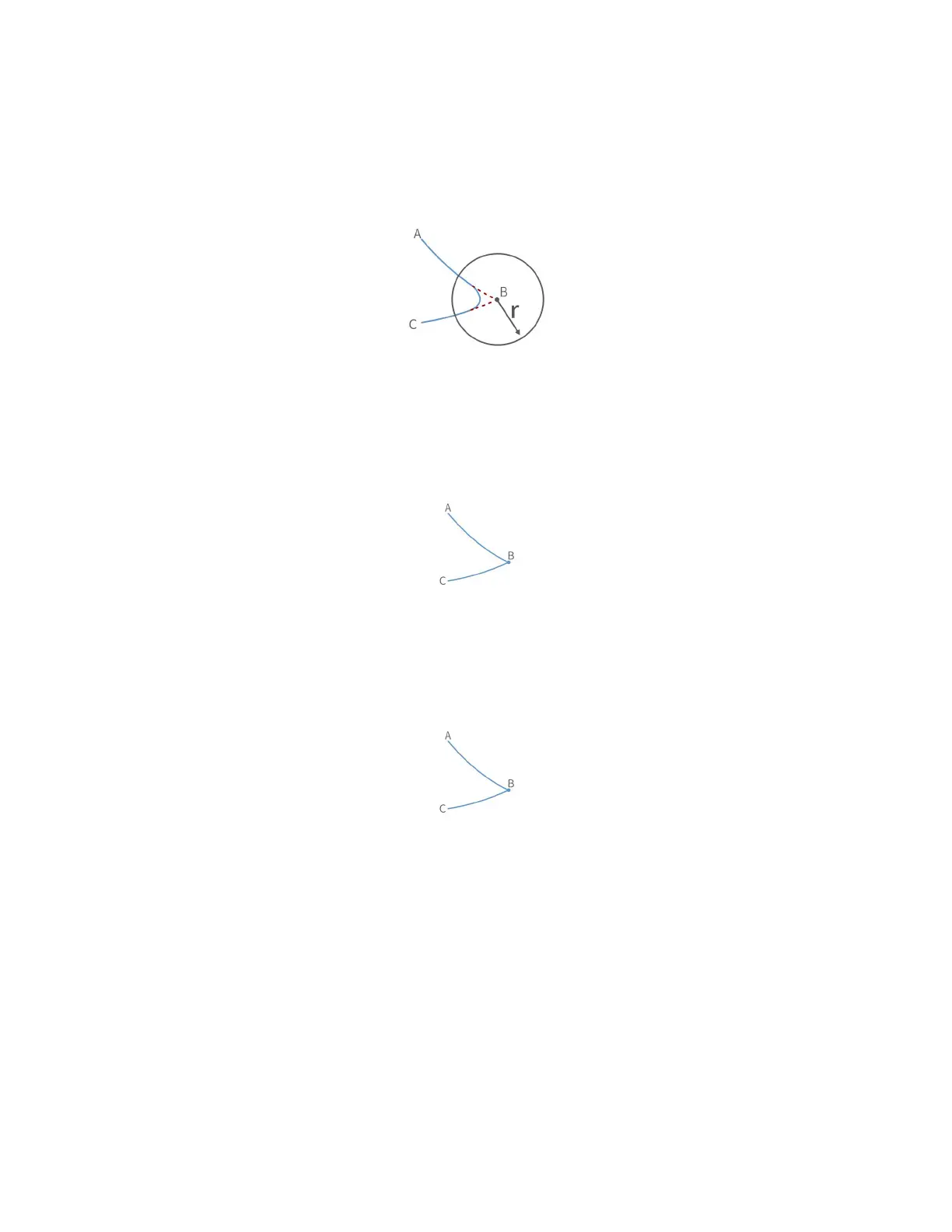
(1) Radius> 0. For example, setting Radius = 60, the turning trajectory
is as shown in the arc in the figure below, which can achieve a smooth
turning effect.
Note: The radius of the arc is smaller than D
AB
and D
BC
.
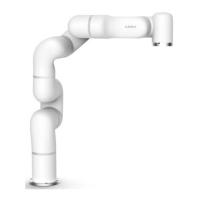
(2) Radius = 0. There is no arc transition at the turn, it will be a
sharp turn with no deceleration, as shown in the figure below.
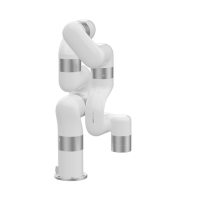
(3) Radius <0. There is no arc transition at the turn, this speed will
not be continuous between this and next motion, as shown in the figure
below,speed will decelerate to 0 at point B before moving to C.
Note: Radius <0 cannot realize continuous motion. If you need to plan a
continuous motion of the robotic arm, please make sure Radius>0.
Wait = false
The wait in the "move joint" command indicates whether it is necessary to
wait for the execution of this command before sending the next command.
Note: If you need to plan for speed continuous motion, make sure wait =
false, to buffer the commands to be blended.


 To Next Page