【move circle position 1 to position 2】: From current position, the
whole circle is determined by current position and position1 and positon2,
“center angle” specifies how much of the circle to execute.
Note: (1) The starting point, pose 1 and pose 2 determine the three reference points of a complete
circle. If the motion path of the robotic arm is a circular arc, then pose 1 and pose 2 are not
necessarily end points or passing points;
(2) If you want the robot arm to change its posture during the movement, set the roll, pitch, and
yaw of pose 2 to the desired posture when completing the trajectory;
【center angle (°) () 】: Indicates the degree of the circle. When it is
set to 360, a whole circle can be completed, and it can be greater than
or less than 360;
Note: To achieve smooth motion, you need to set Wait = false.
Example explanation:
In this example, the central angle is set to 3600°, which means that the
robotic arm can draw ten circles at a time, and the robotic arm still
stays at the starting point after drawing a circle.
Judgment of the direction of the robotic arm motion
In the above example, the starting point, pose 1 and pose 2 are:
A (300,0,400,180,0,0) B (350,50,400,180,0,0) C (350, -50,400,180,0,0)
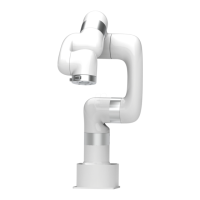
The robotic arm draws a circle in a clockwise direction, and t he
trajectory of the robotic arm is as follows:


 To Next Page