ULEAD VIDEOSTUDIO USER GUIDE
12
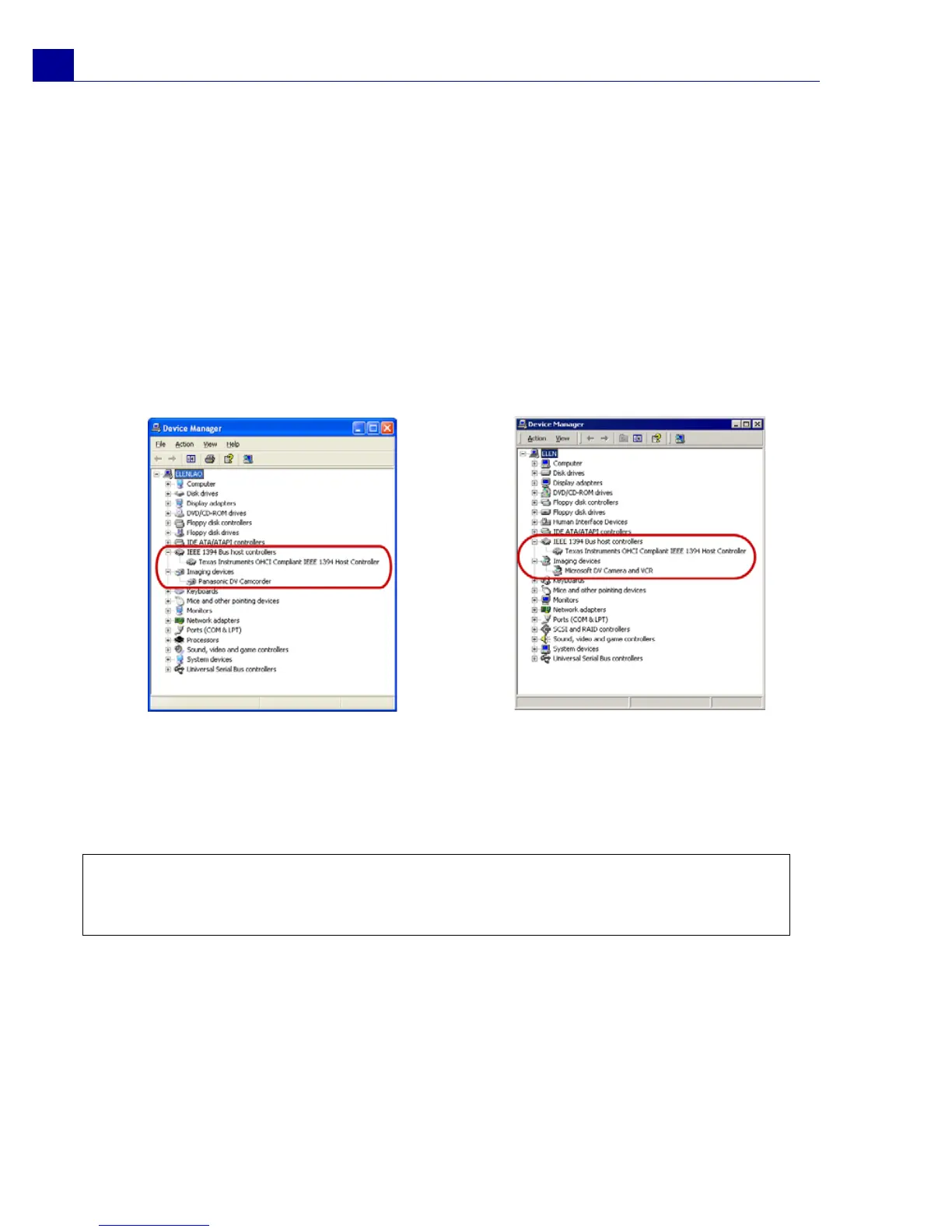
Under Windows XP or Windows Me:
• 1394 Bus Controller
• <Brand name> DV Camcorder (The brand name depends on the DV
camcorder connected to the IEEE-1394 interface.)
Under Windows 2000:
• 1394 Bus Controller
• Image Device: Microsoft DV Camera and VCR (For Microsoft DV driver only.)
• Sound, video and game controllers: 1394 camcorder (For Texas Instruments
Windows XP: Device Manager DV driver only.)
4. If your digital camcorder has been detected properly, it will be listed as a source
device in VideoStudio's Options Panel. In VideoStudio, select the Capture
Step and check if your camcorder is displayed under the Source list in the
Options Panel.
Windows XP: Device Manager
Windows 2000: Device Manager
Note: In addition to commonly used Texas Instruments and Microsoft DV drivers,
there are other drivers available. Consult your camcorder's manual for suitable
drivers.



 To Next Page