ULEAD VIDEOSTUDIO USER GUIDE
44
Undoing and redoing actions
You can undo or redo the last set of actions that you performed while working on
your movie by clicking Undo [Ctrl+Z] or Redo [Ctrl+Y] in the toolbar.
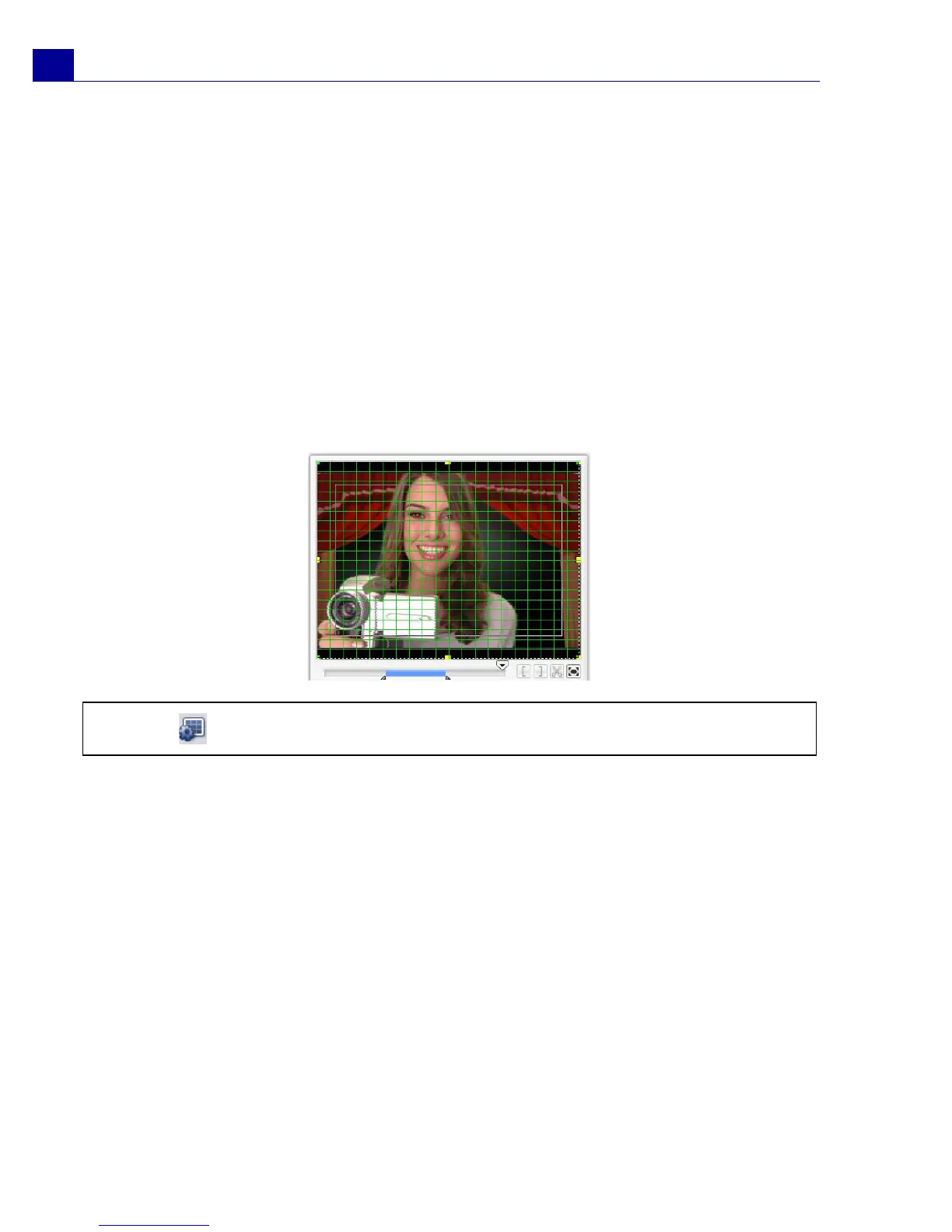
Showing and hiding grid lines
You can use grid lines to guide you when repositioning or resizing images and
videos or when adding titles to your movie.
• To show grid lines in the Edit and Overlay steps, select a clip in the Timeline
then select the Attribute tab. Select Distort clip then select Show grid
lines.
• To show grid lines in the Title step, select Show grid lines in the Edit tab.
Saving your project
While composing your movie project, select File: Save [Ctrl + S] to frequently
save your project and avoid accidental loss of your work. VideoStudio project files
are saved in .VSP file format.
To automatically save your work, select File: Preferences then select Auto save
duration and specify the time interval between saves.
To open an existing project, select File: Open Project [Ctrl + O]. To create a new
project again, select File: New Project [Ctrl + N].
Tip: Click to adjust grid line settings.



 To Next Page