ULEAD VIDEOSTUDIO USER GUIDE
68
Reversing video playback
Reverse the playback of the video by clicking Reverse video in the Options
Panel.
Capturing still images in the Edit Step
A still image can be captured in the Edit Step by selecting a specific frame in the
Timeline and saving it as an image file. In this manner, possible distortions are
avoided since the image is not acquired from a running video, unlike in the
Capture Step.
To capture still images:
1. Select File: Preferences - Capture. Choose Bitmap or JPEG as the Captured
still image save format. If you selected JPEG, also set the Image quality.
2. Select a video clip in your project
3. Drag the Jog Slider to the frame you want to capture.
Tips:
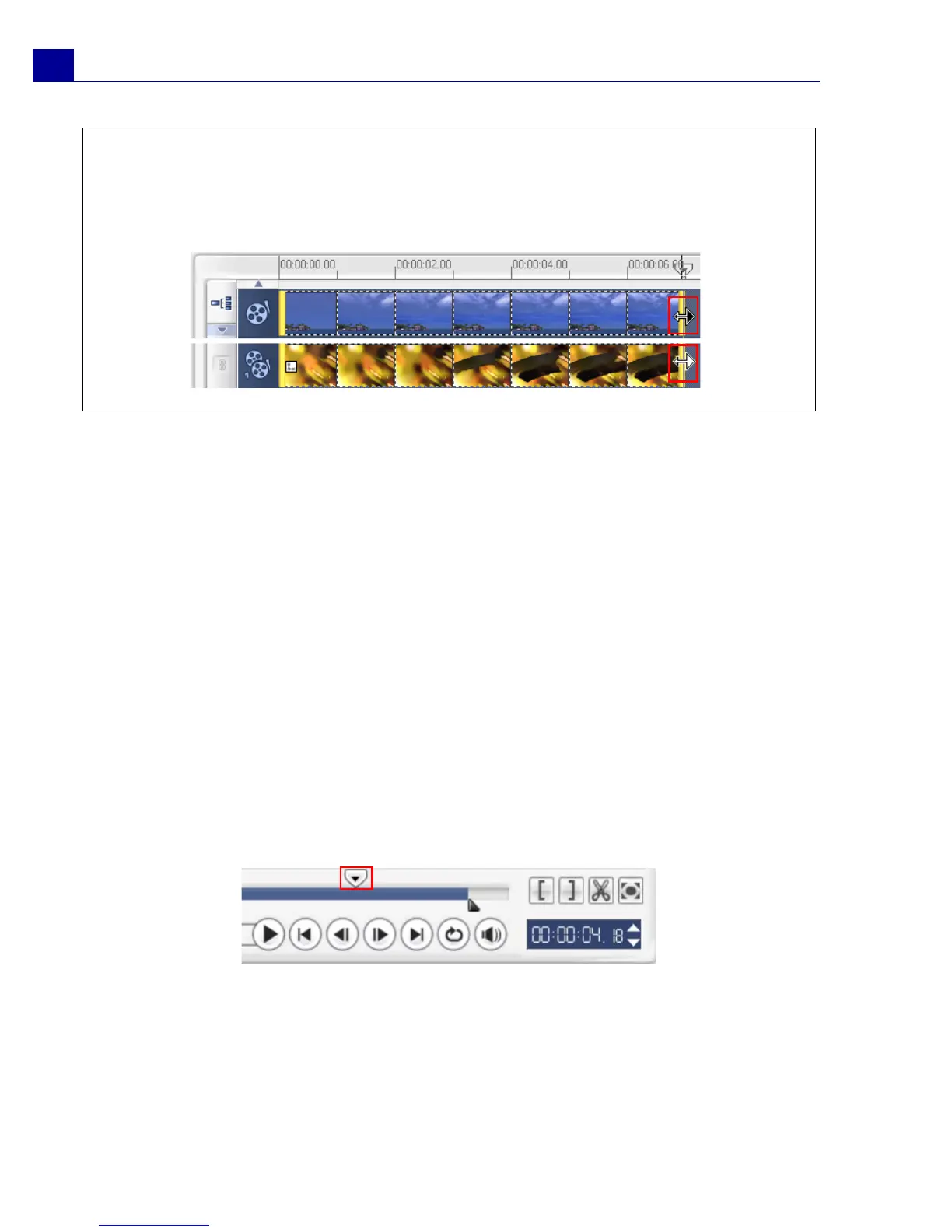
•Hold [Shift] then drag the end of the clip on the Timeline to change the playback
speed.
• The black arrow means you are trimming or extending the clip, while the white
arrow means that you are changing the playback speed.



 To Next Page