ULEAD VIDEOSTUDIO USER GUIDE
81
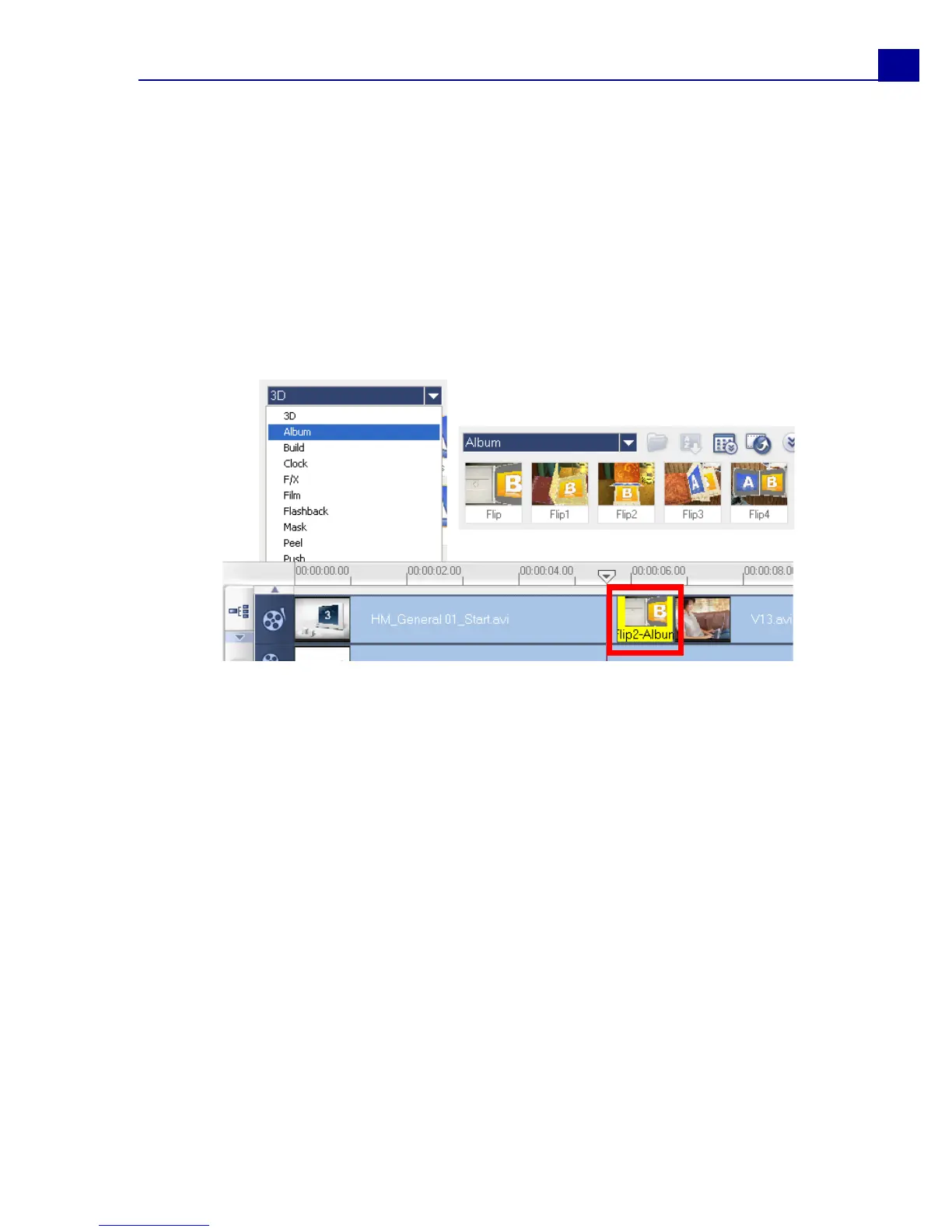
The Album transition
One of the transitions you will find in the Library is the Album transition. Album
simulates the turning pages similar to that of flipping photo album pages. You can
choose from a variety of album layouts, change the album cover, background, size,
and position, and more.
To apply the Album transition:
1. Click the Effect Step then select Album from the Library.
Apply one of the preset transitions by dragging a transition thumbnail in
between two clips on the Video Track.
2. In the Options Panel, click Customize to open the Flip-Album dialog box.
3. In the Layout section, choose the desired look for the album.



 To Next Page