ULEAD VIDEOSTUDIO USER GUIDE
27
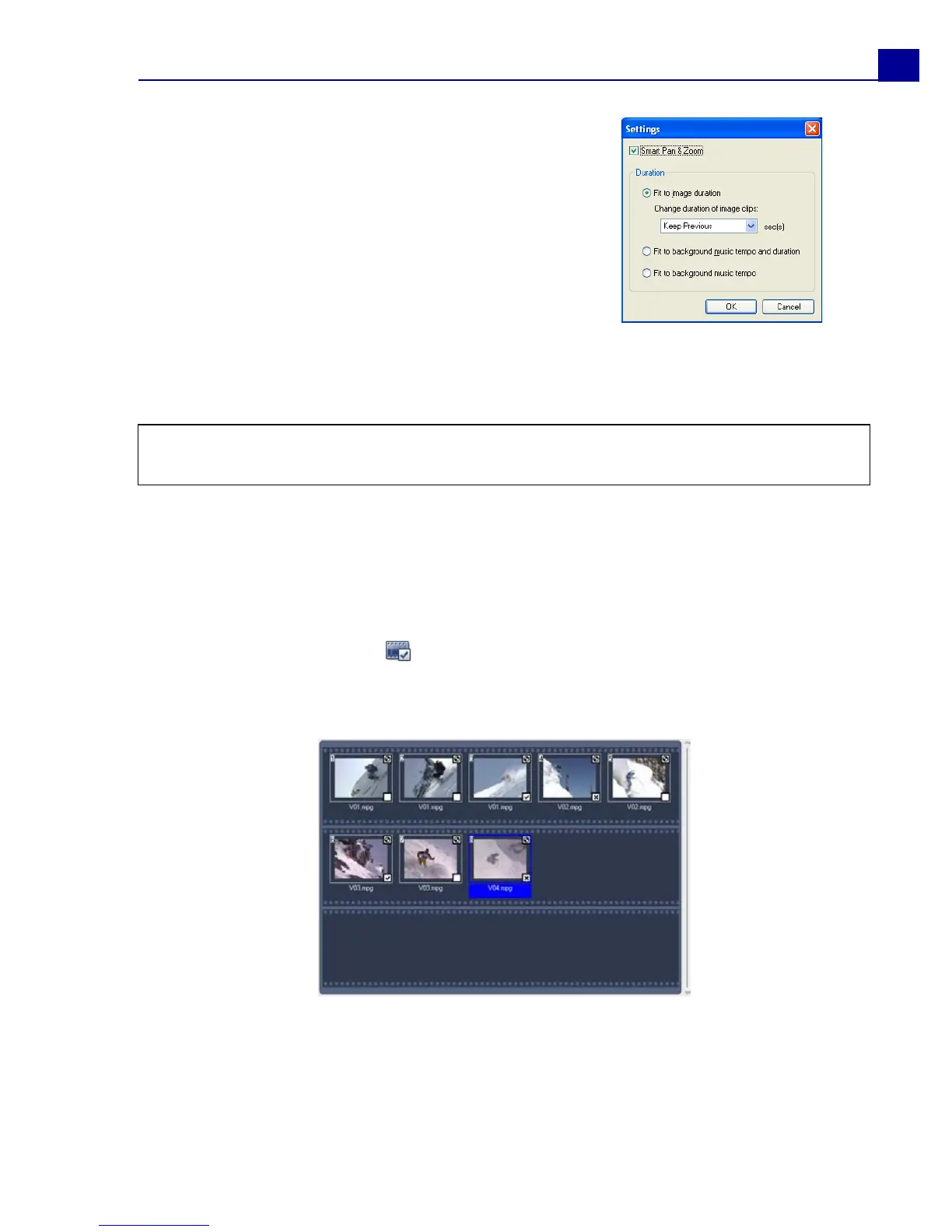
• Fit to image duration: Trims the music background to fit the total duration
of the slideshow.
• Fit to background music tempo and duration: Adjusts the duration of
each clip and the total duration of the slideshow to fit the background music's
tempo and duration.
• Fit to background music tempo: Adjusts the duration of each clip to fit the
background music's tempo.
3. For Home Movies, click to open the Mark Clips dialog box. Select a clip
then click Must or Optional to specify whether or not to include the clip in the
show.
For Slideshow templates, specify Smart Pan &
Zoom in the Settings dialog box. Smart Pan &
Zoom automatically focuses the pan and zoom
motion to important parts of the image like the
face.
Tip: Select Keep Previous to use the image duration you set in the previous page of
the Movie Wizard.



 To Next Page