ULEAD VIDEOSTUDIO USER GUIDE
73
Fish Eye distorts the video to give your audience a feel of looking through a
glass ball.
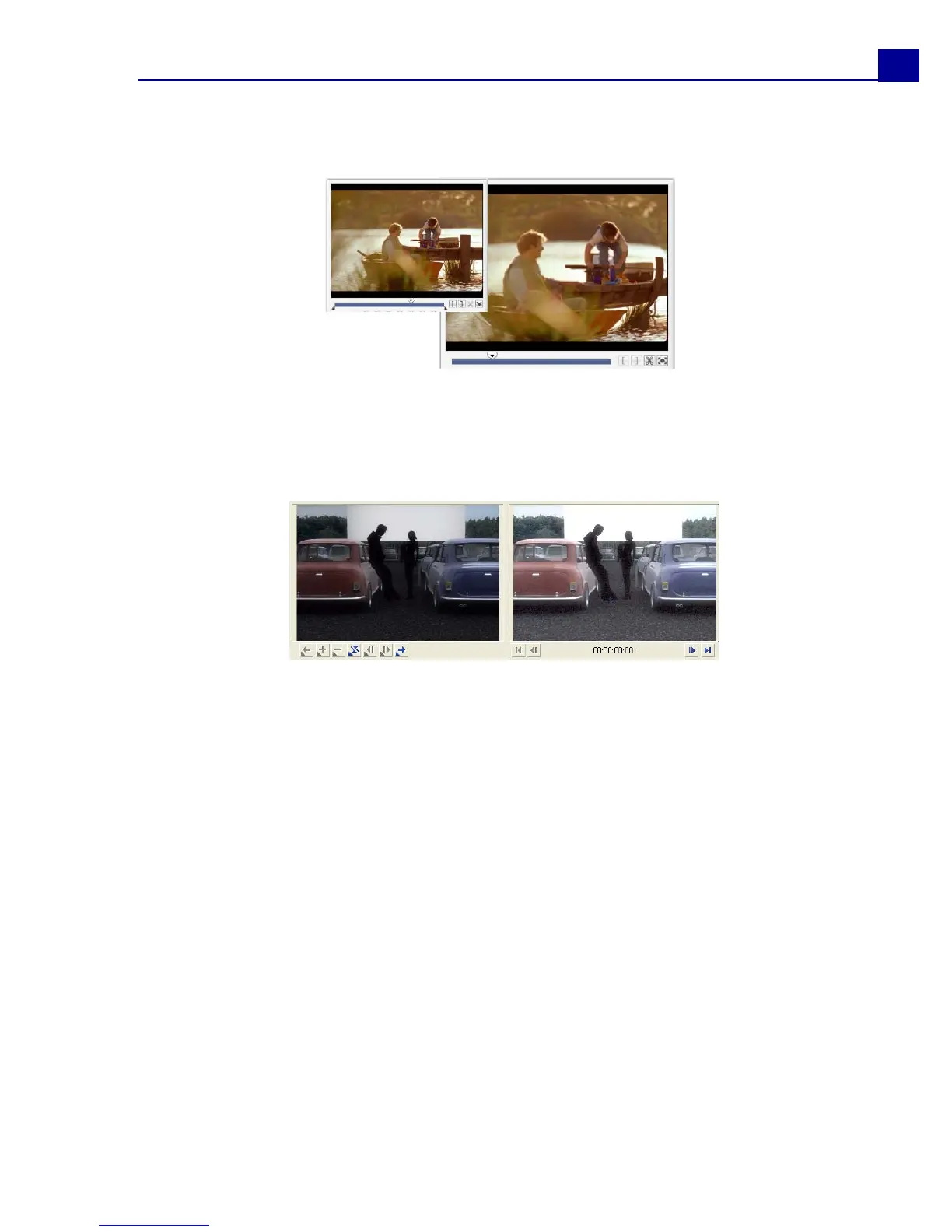
Enhance Lighting improves video exposure which is ideal to correct poorly lit
videos.
To apply a video filter to a clip (video or image) in the Video Track:
1. Select a clip in the Timeline.
2. Click the Attribute tab in the Edit Step Options Panel.
3. Choose a video filter from the Video Filter folder in the Library to apply to your
clip (by clicking the thumbnail).
4. Drag and drop the video filter onto your clip in the Video Track.
Before
After
Before After



 To Next Page