13
The Ultimaker comes in reusable, durable packaging, specially designed to protect your Ultimaker 2+.
Unpacking
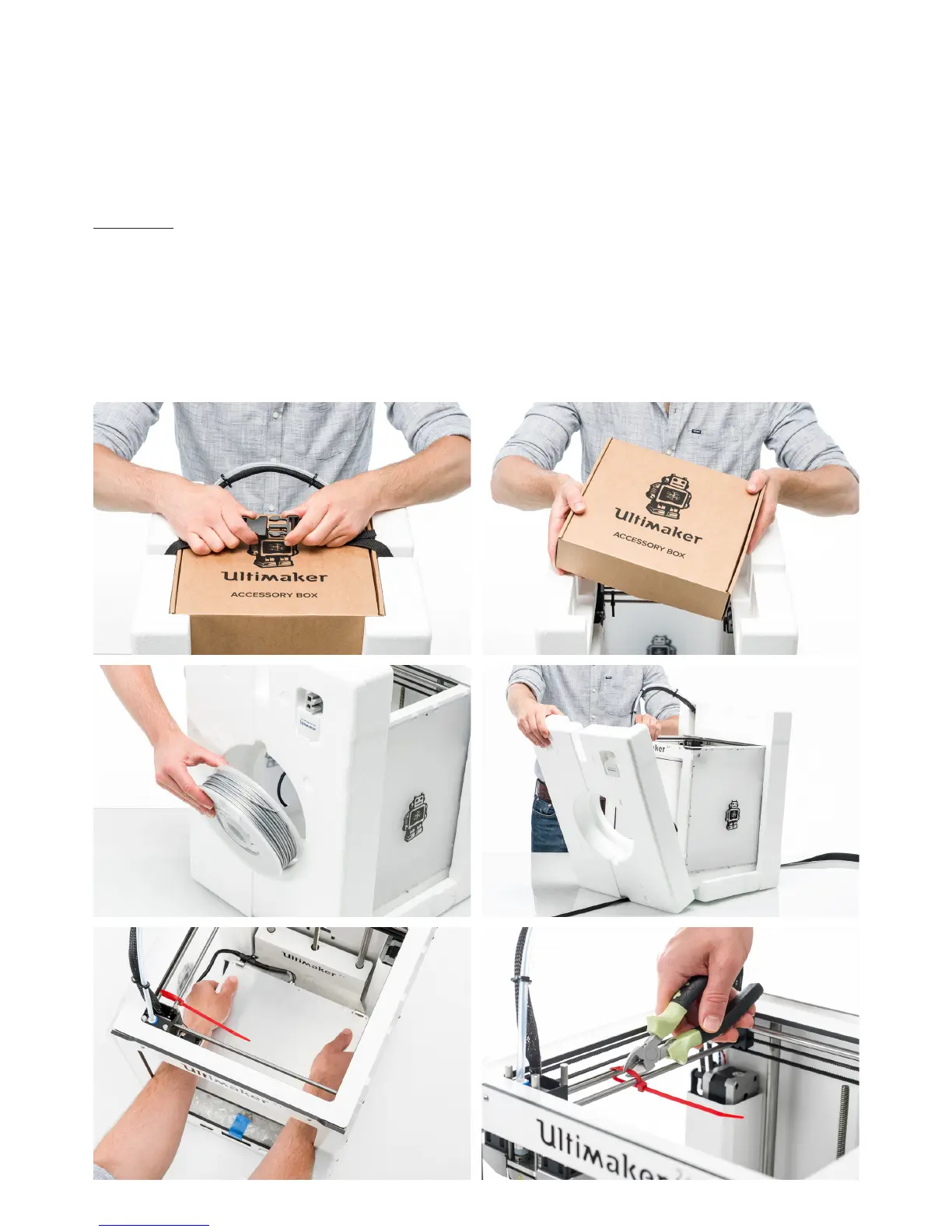
Follow the steps below properly to unpack your Ultimaker 2+.
1. Take the Ultimaker 2+ out of the cardboard box.
2. Loosen the strap by opening the buckle.
3. Take out the accessory box.
4. Take the spool with PLA filament and factory test print out of the styrofoam.
5. Remove the styrofoam packaging, take the Ultimaker 2+ and place it on a flat surface.
6. Manually lift the build plate and remove the packaging material under the build plate.
7. Cut the zip tie that secures the print head.
Unboxing



 To Next Page