15
Installing the hardware accessories
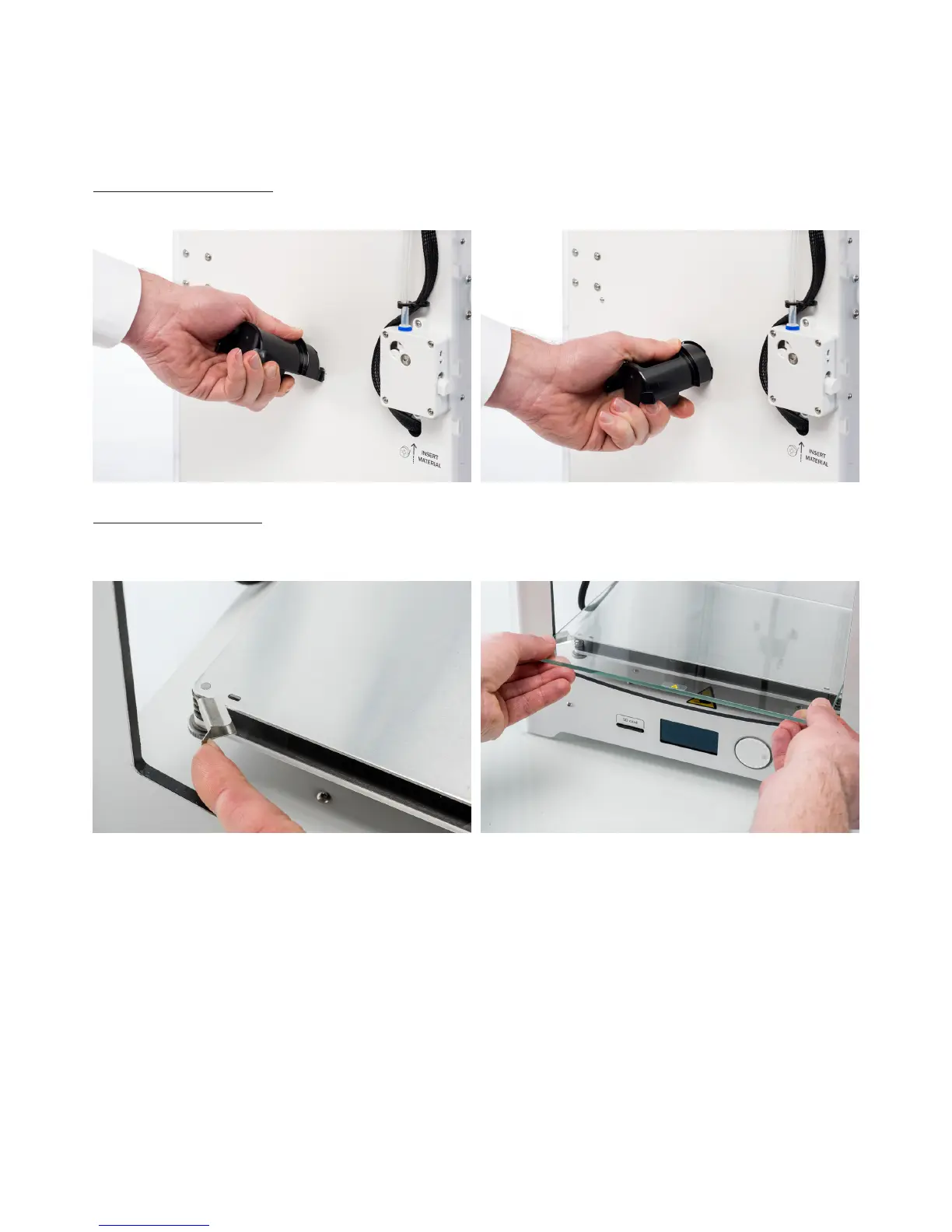
Placing the spool holder
1. Take the spool holder and insert the top part into the hole in the back panel of the Ultimaker 2+.
2. Push the spool holder until it snaps into place.
Placing the glass plate
1. Open the two build plate clamps at the front of the build plate.
2. Gently slide the glass plate onto the build plate and ensure that it snaps into the build plate clamps at the back.
3. Close the two build plate clamps at the front to secure the glass plate.



 To Next Page