29
Update the rmware
Periodically, a new version of the Ultimaker 2+ firmware is released. To ensure that your Ultimaker 2+ is equipped with the
latest features it is recommended to update the firmware regularly.
Updating via USB
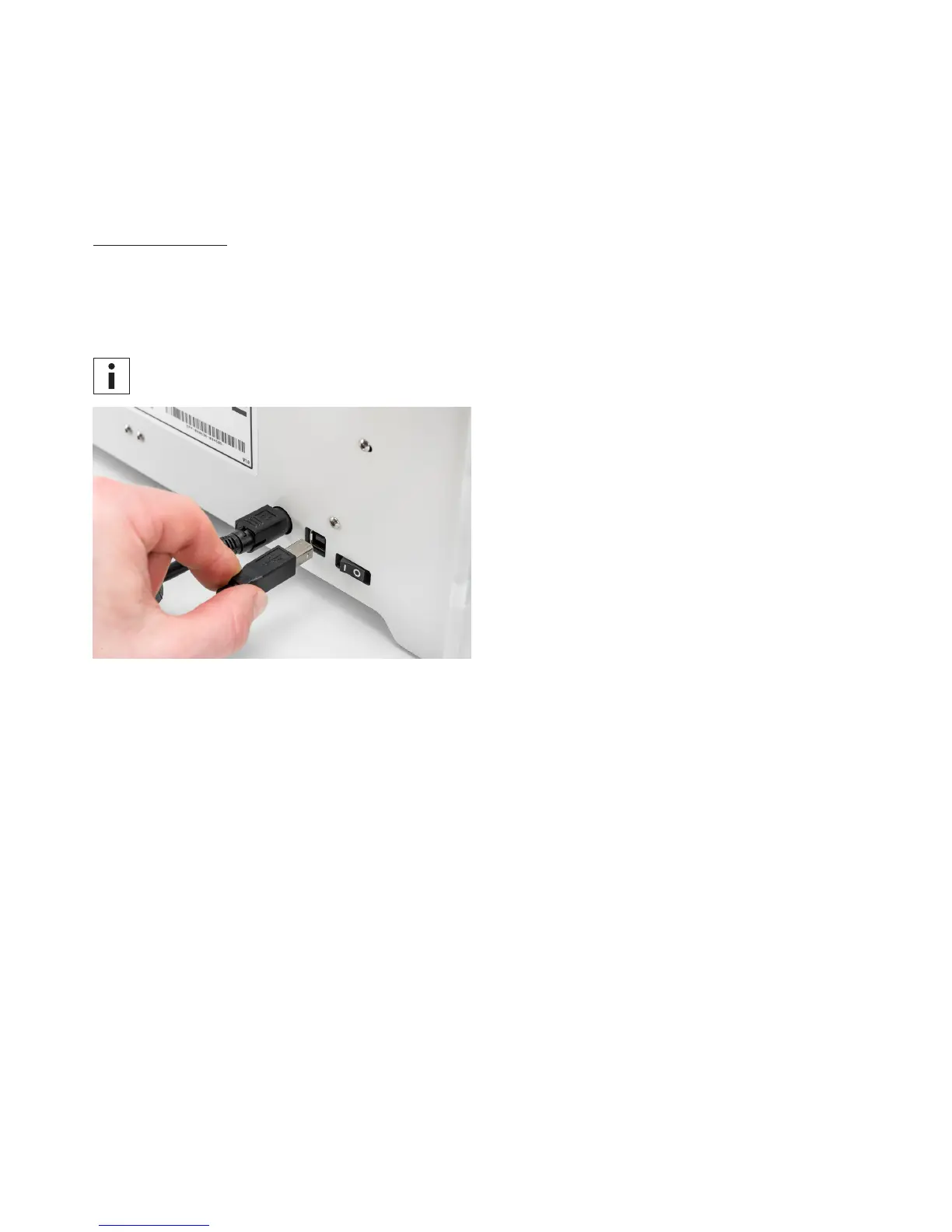
Firmware can be updated via the USB cable by taking the following the steps:
1. Connect the Ultimaker 2+ to your computer with the USB cable.
2. Turn the Ultimaker 2+ on.
3. Start Ultimaker Cura and go to Settings g Printer g Manage printers and select “Upgrade Firmware”. Ultimaker Cura
will now upload the latest firmware to the Ultimaker 2+.
Make sure the Ultimaker 2+ is selected in Ultimaker Cura before installing the firmware.



 To Next Page