25
Materials
Material combinations
As explained in chapter 4, the Ultimaker 3 comes with two print cores for build material (AA) and one print core for support
material (BB). The AA print cores can be used for printing PLA, ABS, CPE and Nylon. The BB print core can be used for PVA.
If you want to print with two materials, the following combinations of Ultimaker materials are officially supported:
• PLA - PVA
• Nylon - PVA
• PLA - PLA
• ABS - ABS
• CPE - CPE
Although the Ultimaker 3 has an open material system, the use of Ultimaker material on the printer is recommended. All
Ultimaker materials have been tested extensively and have optimized profiles in Cura to ensure the best print result.
Using Ultimaker materials will also allow you to benefit from the NFC detection system. Ultimaker spools will
automatically be recognized by the Ultimaker 3 and this information can be directly transferred to Cura when connected
via the network. This allows for a seamless connection between the printer and Cura software.
Material settings
Each material requires different settings for optimal results. Here you can find an overview of the recommendations for
printing with Ultimaker materials.
Temperature and cooling
The below table gives overview of the recommended temperature and cooling settings per material. These settings are
automatically set correctly in Cura when selecting one of the material profiles.
Material Nozzle
temperature (°C)
Build plate
temperature (°C)
Fan speed
(%)
PLA 195 - 205 60 100
ABS 225 - 240 80 5
CPE 235 - 250 70 50
Nylon 245 - 255 60 40
PVA 215 - 225 60 50
Build plate adhesion
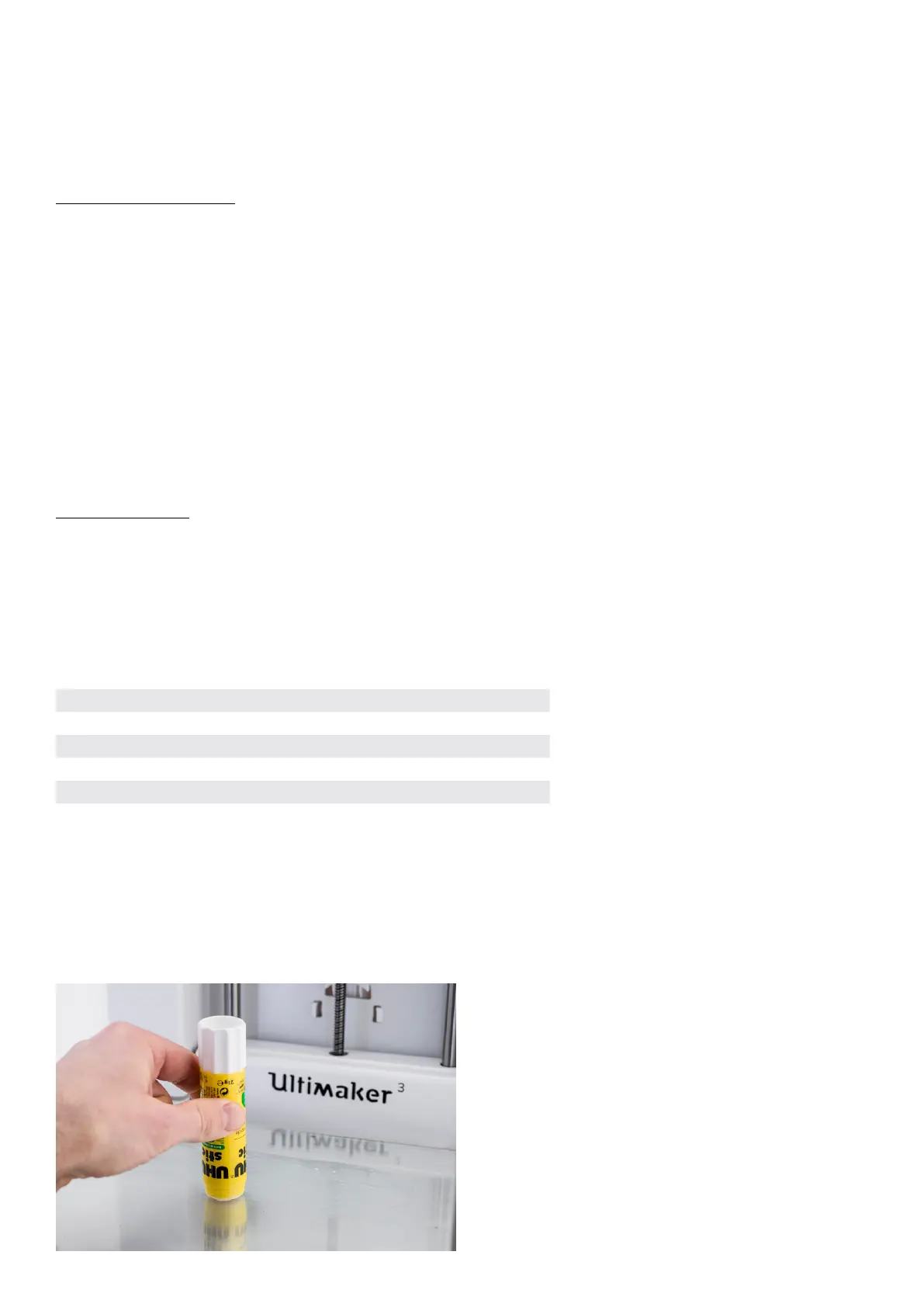
For all materials that are supported on the Ultimaker 3 (PLA, ABS, CPE, Nylon and PVA) it is recommended to apply a thin
layer of glue to the glass plate before starting a print. This will not only enhance good adhesion, but specifically for ABS
and CPE it will also work as a protective layer for the glass plate. You can use the glue stick from the accessory box for this.
Furthermore, it is advised to print all materials with a ‘brim’ as platform adhesion type. A brim will print some extra lines
of plastic around the object on the first layer to let the model adhere well and to minimize warping. This setting is selected
by default in all the Cura profiles for these materials on the Ultimaker 3. Please note that if you are printing PLA or Nylon in
combination with PVA, it is recommended to print the adhesion type in PVA.














 To Next Page