2. Edit the name or location if needed >tap OK.
Opening a bookmark
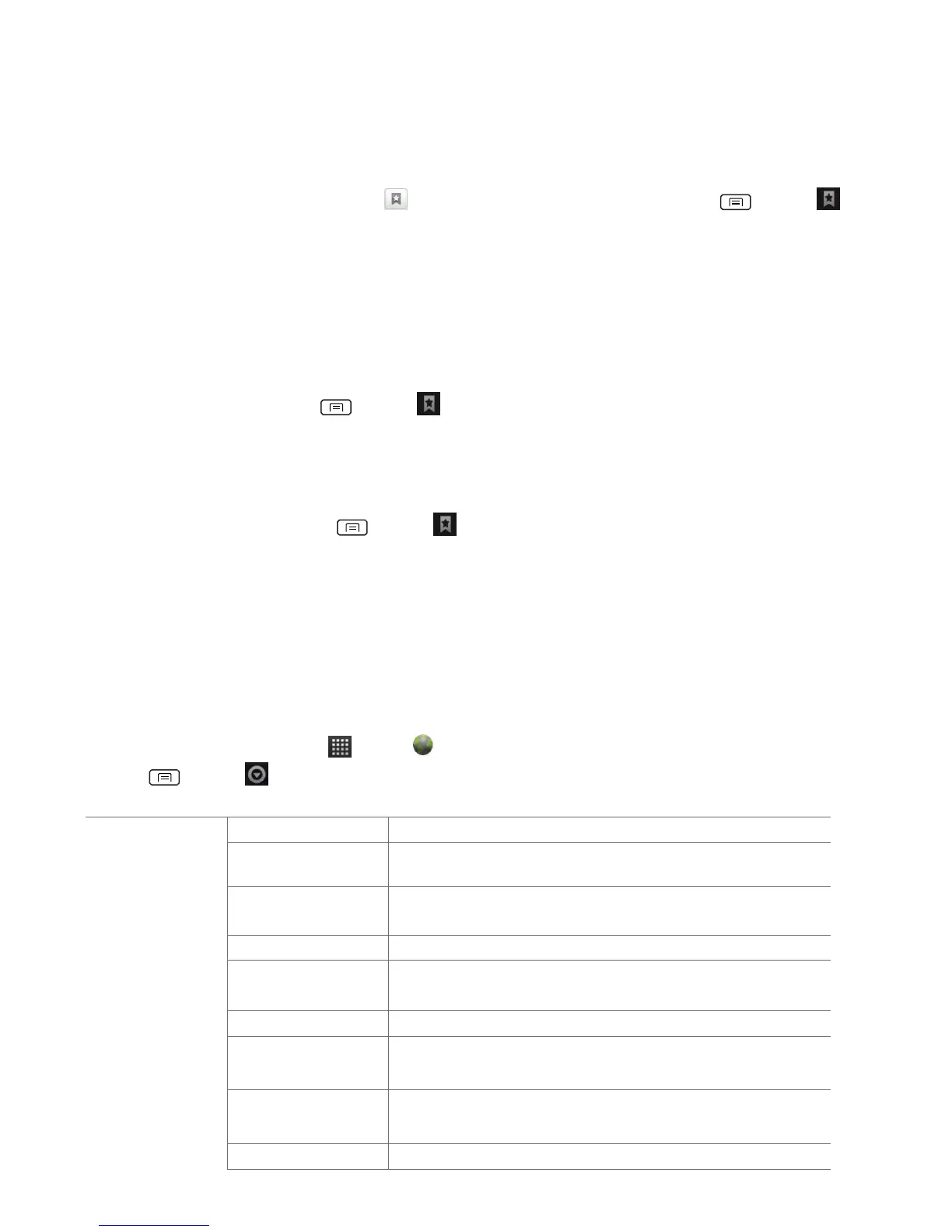
1. When viewing any webpages, tap at the right of the URL field. Or press Menu >
Bookmarks.
2. Tap a bookmark to open it.
• If you prefer to open the webpages in a new window, tap and hold the bookmark and tap
Open in new window.
Editing a bookmark
1. From any webpages, press Menu > Bookmarks.
2. Tap and hold the bookmark to edit >Edit bookmark.
3. Edit the name and/or location >tap OK.
Deleting a bookmark
1. From any webpages, press Menu > Bookmarks.
2. Tap and hold the bookmark to delete >Delete bookmark >OK.
Browser settings
Customize your browser settings to optimize your browsing experience.
1. From the Home screen, tap Apps > Browser.
2. Press Menu > More >Settings.
Select the size of the text.
Select the zoom level that Browser uses when first
opening a webpage.
Check to open webpages zoomed out.
Change the character-encoding standard.
Prevent pop-up windows unless you request it.
Display images on webpages.
Optimize the presentation of text and other elements of
webpages to fit yourphone’s screen.
Display webpages in landscape orientation on your
screen.
Allow JavaScript to run on webpages.


 To Next Page