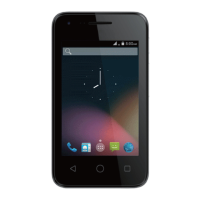
Firmware Upgrade Using Micro-SD Card
1. Download “update.zip” from supporting site.
2. Insert a micro-SD card into a PC.
3. Copy “update.zip” to the root directory of the micro-SD card.
4. Make sure the target device is power on with a fully charged battery.
5. Insert the micro-SD card into the card slot of the target device.
6. Tap to go to Settings->About phone and tap System update.
7. Tap Update OEM software
8. Tap Install


 To Next Page