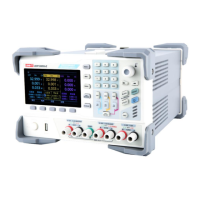
Service Manual UDP6900 Series Digital Control Power Supply
Instruments.uni-trend.com 18 / 29
Specification of Fuse (Input 110 VAC~220 VAC)
2) After the replacement, reinstate the fuse box as shown in the following figure.
Remove Handle
Steps
1. Move the handle to replacement position and remove the handle by pulling slightly outward with both
hands.
If the handle is damaged, it can be replaced by this step, as shown in the following figure.
Explanation: When replace the power handle, do not force too hard, be careful to clamp the hand
2. Follow the above step to reinstate the handle.



 To Next Page
 Loading...