Service Manual UDP6900 Series Digital Control Power Supply
Instruments.uni-trend.com 23 / 29
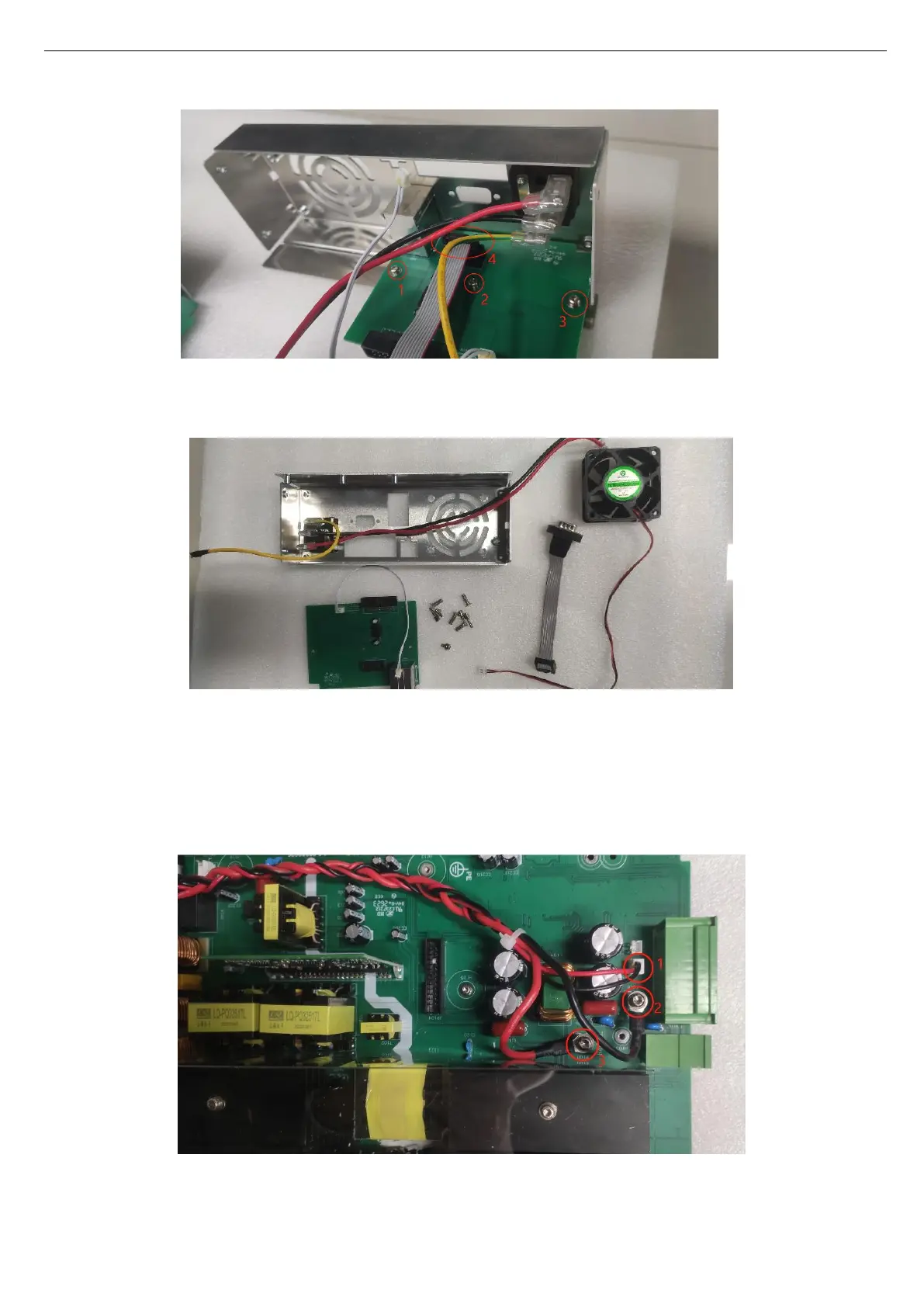
The rear components as shown in the following figure.
7. Reverse execute the above step to reinstate.
Remove Surface Cover
1. Pull out the front cover wiring on the PCB and use T20 quincunx screwdriver to remove 2 screws
securing between the front cover and PCB, as shown in the following figure.



 To Next Page
 Loading...