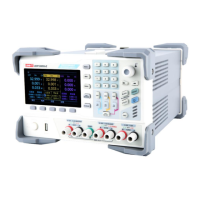
Service Manual UDP6900 Series Digital Control Power Supply
Instruments.uni-trend.com 19 / 29
Remove Rear Panel
Take UDP6932 as an example, dismantle the machine, and pay attention to keep the removed screws and
components during the disassembly process.
Prerequisites
To prevent electrostatic damage to internal devices through the interface of the instrument, ear
properly grounded antistatic wrist and foot straps and use antistatic mats in a tested antistatic
environment during installation or removal.
To prevent damage to the front panel knob switches and screen, try not to place the panel face down.
If you need to place the panel face down, please place the panel on a soft cushion, and the soft cushion
for the encoder knob should have a certain notch.
Steps
1. Use T10 quincunx screwdriver to remove 4 screws securing four support legs, as shown in the
following figure.
2. Pull out the rear modules by slightly force, as shown in the following figure.
3. Reverse execute the above step to reinstate.
Remove Case
1. Use T10 quincunx screwdriver to remove 1 screw from the bottom of case, as shown in the following
figure.



 To Next Page
 Loading...