Service Manual UDP6900 Series Digital Control Power Supply
Instruments.uni-trend.com 26 / 29
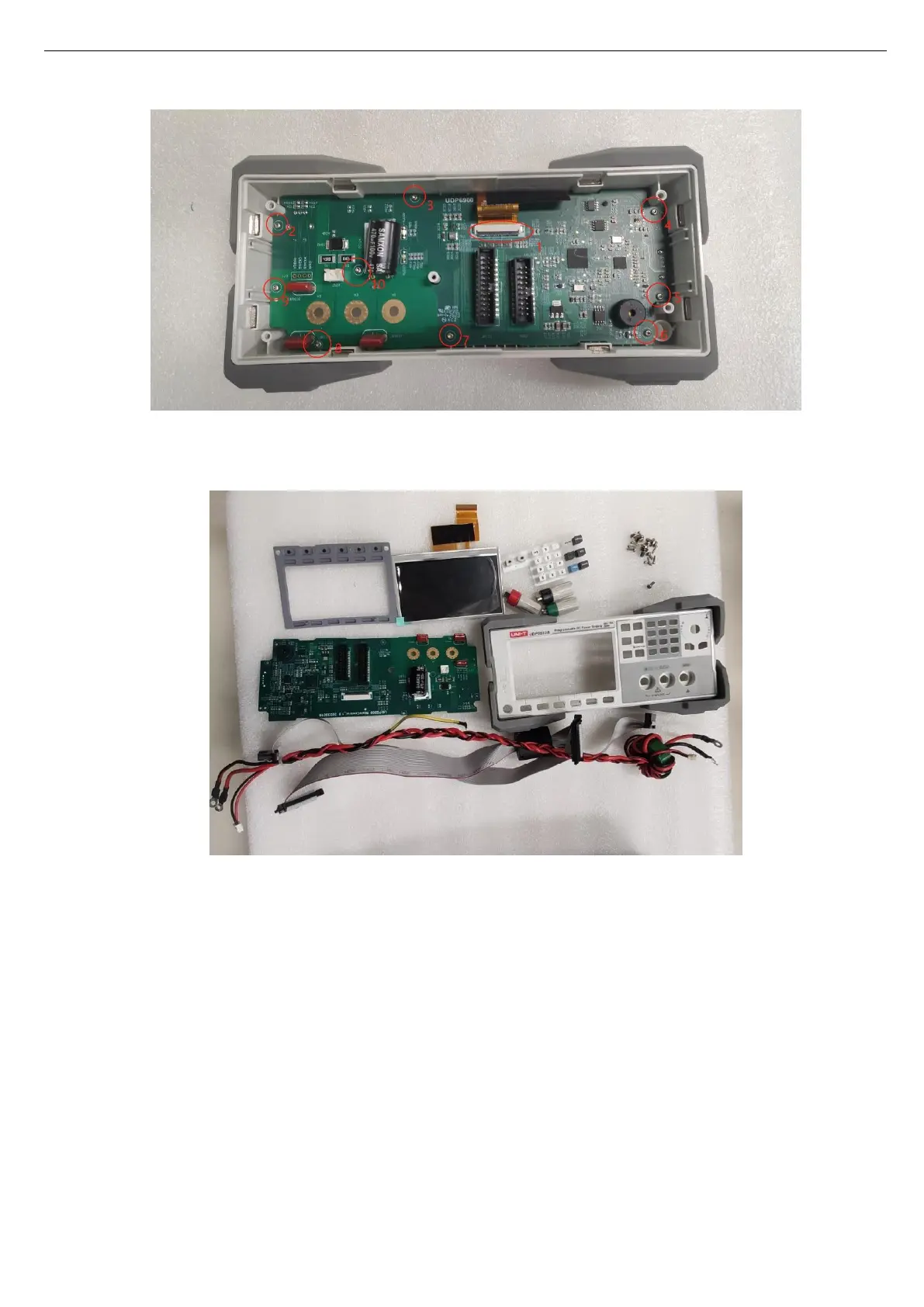
8. Take out the key PCB, button, and screen module to complete the disassembly of front components.
9. Reverse execute the above step to reinstate.
Explanation:
The removal of the above components allows for the replacement of the cap of encoder knob, silicone
buttons, display screen, and the repair of key PCB.
Remove Case Frame
If there is a problem with the power part of the instrument, the power PCB can be disassembled for
inspection and repair, and the following procedure describes the process of disassembling the power PCB.



 To Next Page
 Loading...