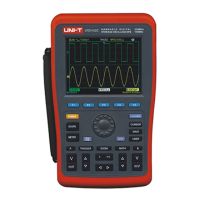
UTD1000 User Manual
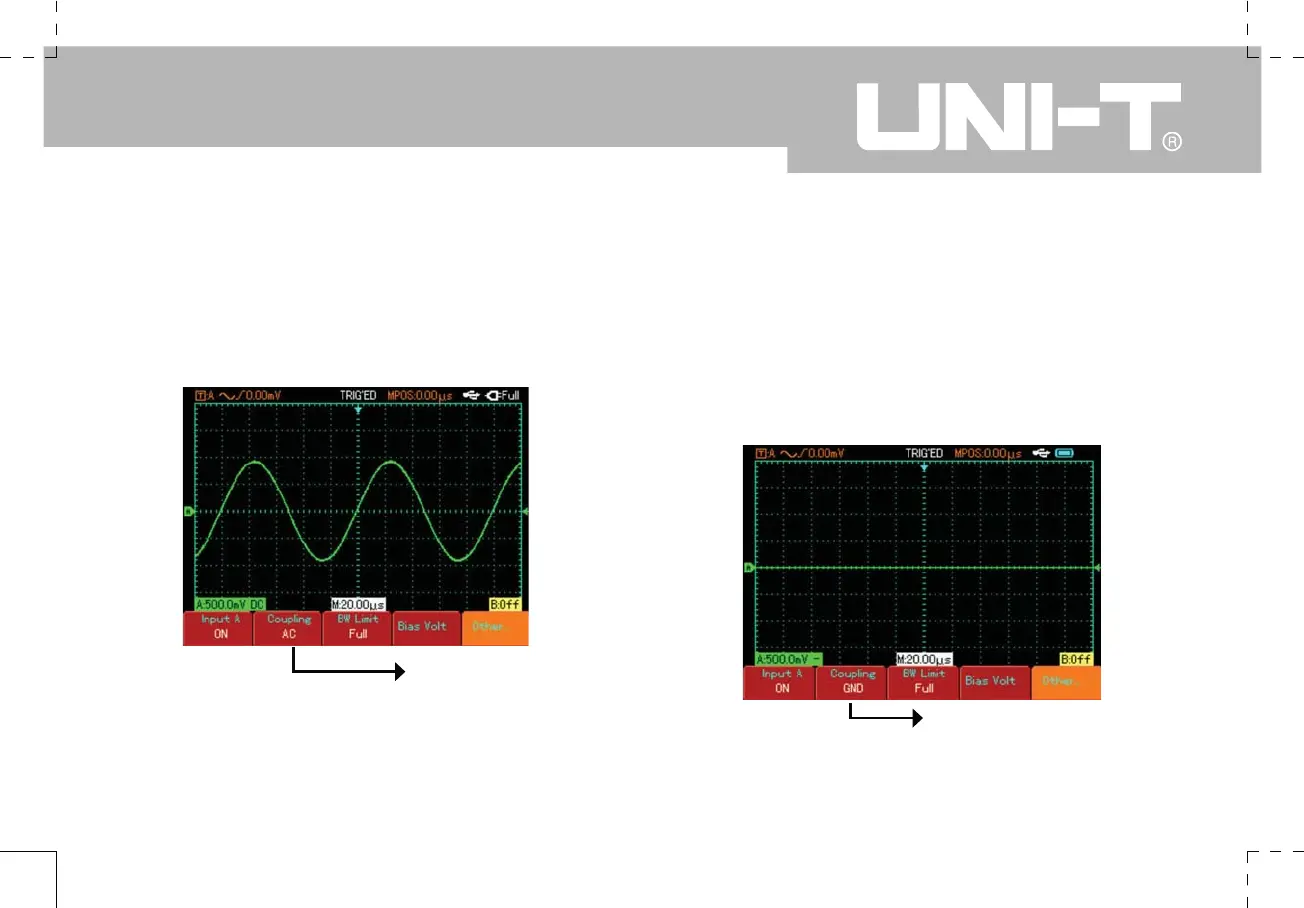
Press [F2] to select DC coupling. DC quantities of
the signal being tested and input to Channel A will be
intercepted. Only AC quantities can pass through. The
waveform display is as follows :
Press [F2] to select ground coupling. The channel input
is now set to equivalent ground. The channel input level
appears on screen and waveform display is as shown in
Figure 2-8 :
(Note : In this mode, although waveform is not
displayed, the input signal remains connected to
the channel circuit)
AC coupling setup
Figure 2-7 Only AC quantities of the signal are displayed
Ground coupling setup
Figure 2-8 Screen display for the ground mode


 To Next Page
 Loading...