Setting the Alarm
The
alarm on your pager can set
two
daily alarms
for
a specific time and date,
or
it can be used as a daily alarm.
To set the alarm for a specific time and date:
1. Press •
to
display the function menu.
2.
Press~
to
move the cursor
to
('t;t
.
-
3. Press • to display the set-time-and-alarm screen.
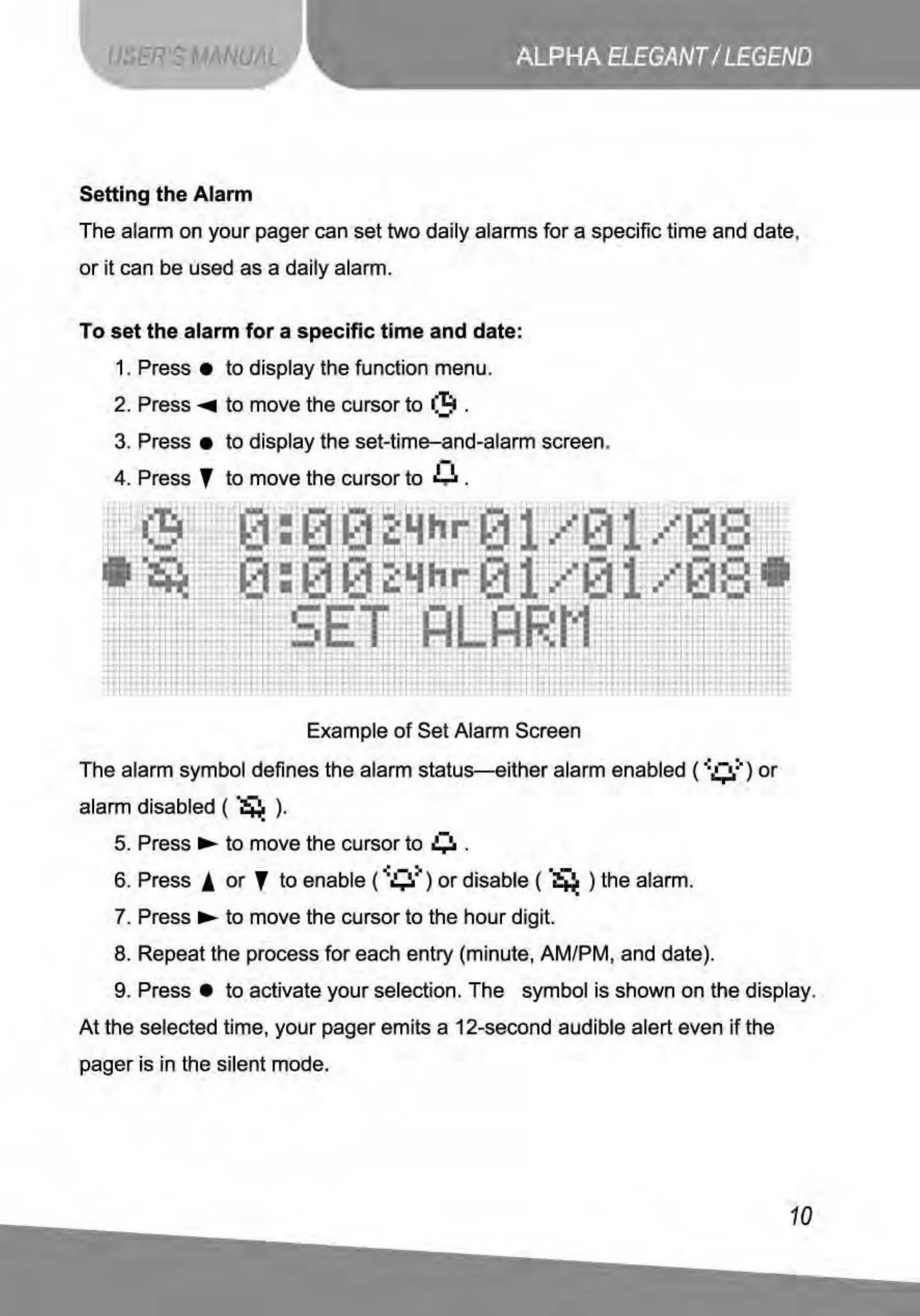
4. Press ' to move the cursor to 0 .
Example
of
Set Alarm Screen
The
alarm symbol defines the alarm
status-either
alarm enabled (
.._0"")
or
alarm disabled (
~
) .
•
-
5. Press..,..
to
move the cursor
to
Lil
.
6. Press !
or
'
to
enable (
.._
0>)
or
disable (
~
) the alarm.
7. Press..,._
to
move the cursor to the
hour
digit.
8. Repeat the process
for
each entry (minute, AM/PM, and date).
9. Press •
to
activate your selection.
The
symbol is shown on the display.
At
the selected time, your pager emits a 12-second audible alert even
if
the
pager is in the silent mode.
10



 To Next Page