To
change your reminder alert:
1. Press •
to
display the function menu.
2. Press
..,..
to
move the cursor
to
J]
(choose alert) , then press •
3. Press '
to
move t
he
cursor
to
i
J'
.
4. Press
..,..
to
move the cursor
to
the alert mode.
5. Press !
or
T to adjust the alert mode.
6. Press
..,..
to
move the cursor to the alert pattern.
7. Press !
or
' to adjust the alert pattern.
8. Repeat the process for the vibrate mode and tone mode settings.
9. Pr
ess
•
to
activate the alert change.
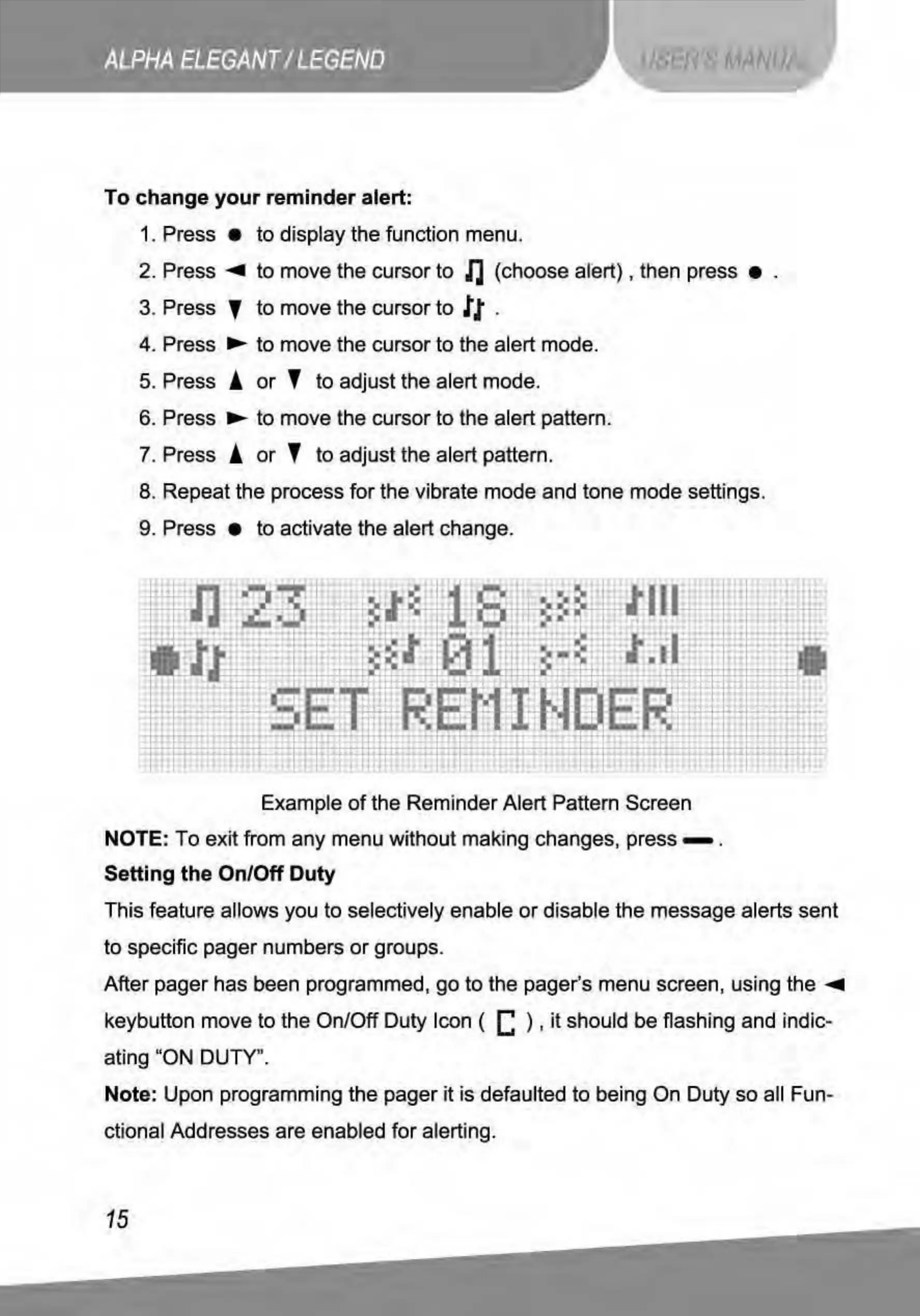
Example
of
the Reminder Alert Pattern Screen
NOTE: To exit from any menu without making changes, press - .
Setting the On/Off Duty
This feature allows you to selectively enable
or
disable the message alerts sent
to
specific pager numbers
or
groups.
After pager has been programmed,
go
to
the pager's menu screen, using
the
..,..
keybutton move to the On/Off Duty Icon ( C ) ,
it
should be flashing and indic-
ating "ON DUTY".
Note: Upon programming
the
pager it
is
defaulted
to
being On Duty so all Fun-
ctional Addresses are enabled
for
alerting.
15



 To Next Page