To
set a daily message alarm:
Follow the instructions above to set the alarm time, then follow the instructions
in "To set the alarm
to
alert daily
''
under Setting the Alarm.
The symbol replaces the
a.
symbol when the message alarm is set.
At
the selected time, your pager vibrates
or
emits a
12
(or 30) second alert,
depending on the current alert mode.
Press -
to
display the message
for
which
the
alarm is set.
The
a.
symbol replaces the O symbol after t
he
alarm has sounded unless
the
alarm is set
to
alert daily.
NOTE:
If
the alarm expires without being acknowledged, the flash until the
message is read.
Setting the Alert Mode
The alert can
be
set as either audible
or
silent.
1. Press •
to
display the function menu.
2. Press
..,...
to
move the cursor
to
•l
or j .
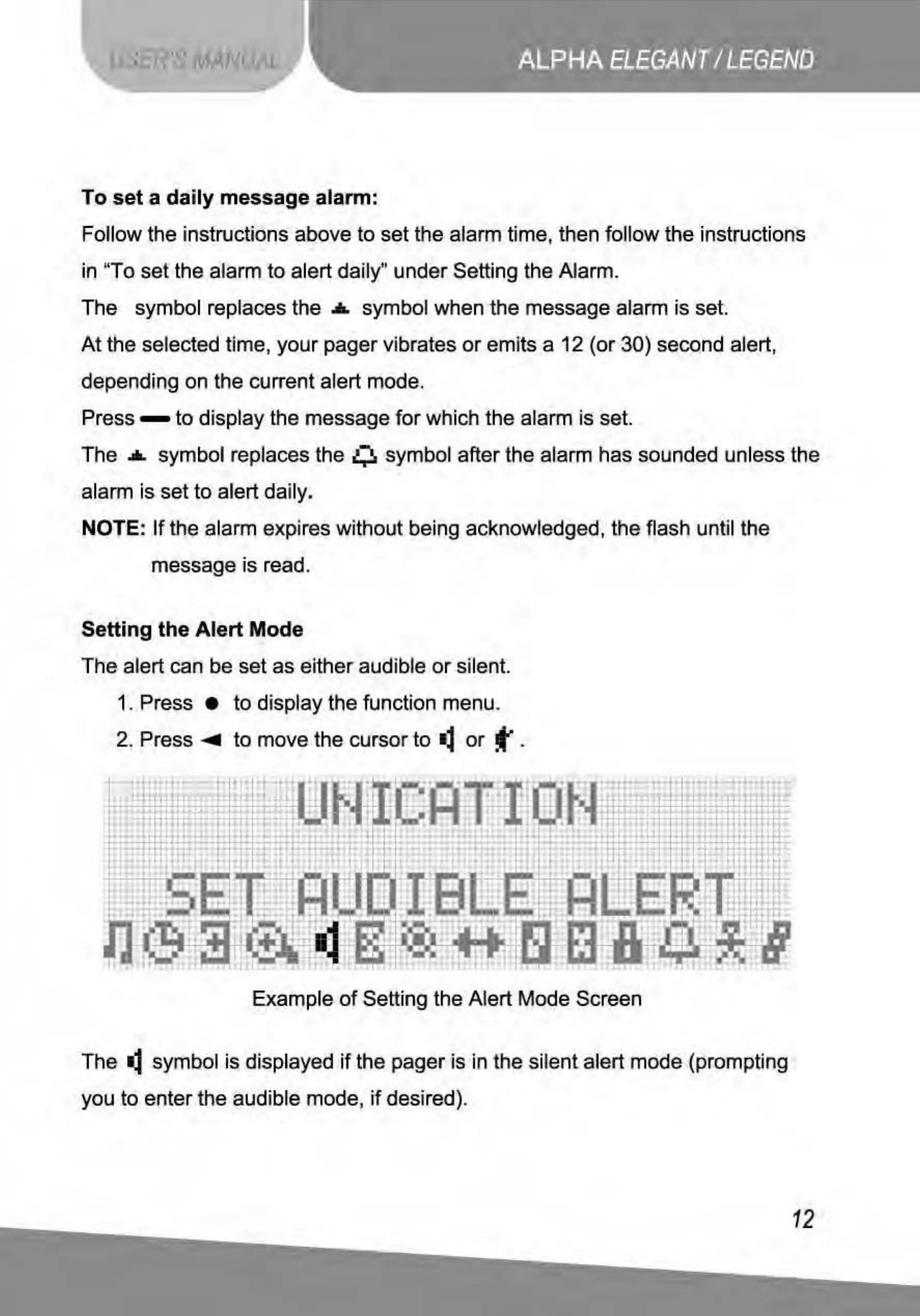
Example
of
Setting the Alert Mode Screen
The
•l
symbol is displayed
if
the pager is in the silent alert mode (prompting
you to enter the audible mode,
if
desired).
12



 To Next Page